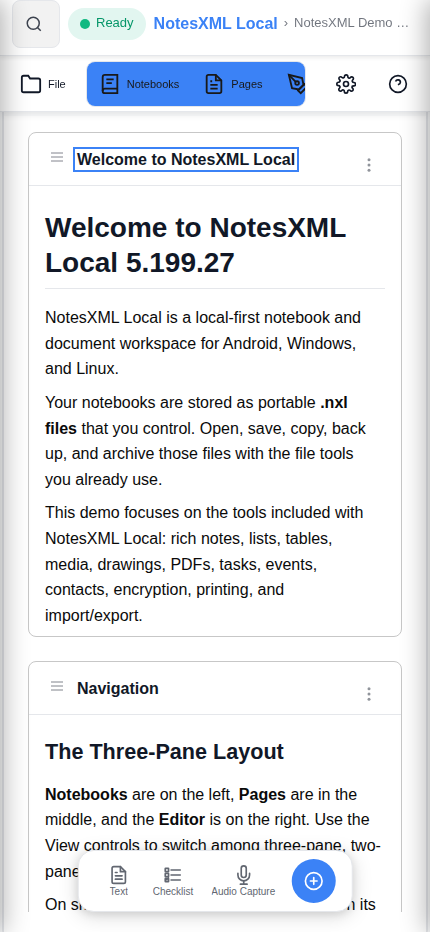
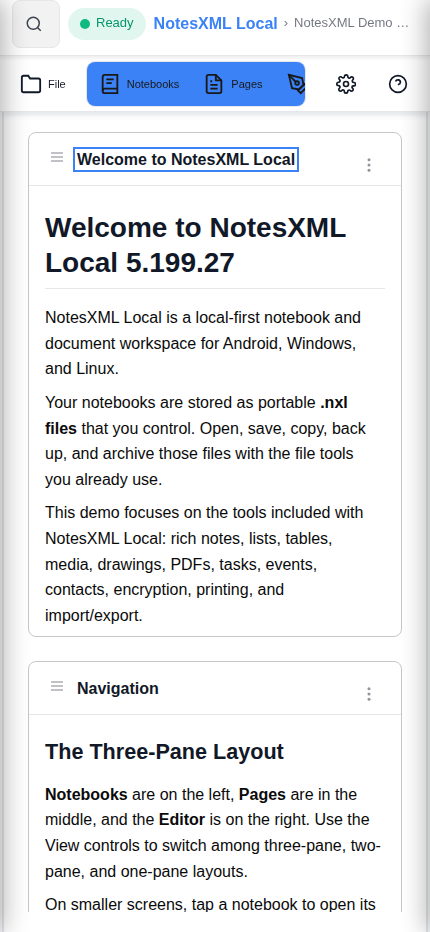
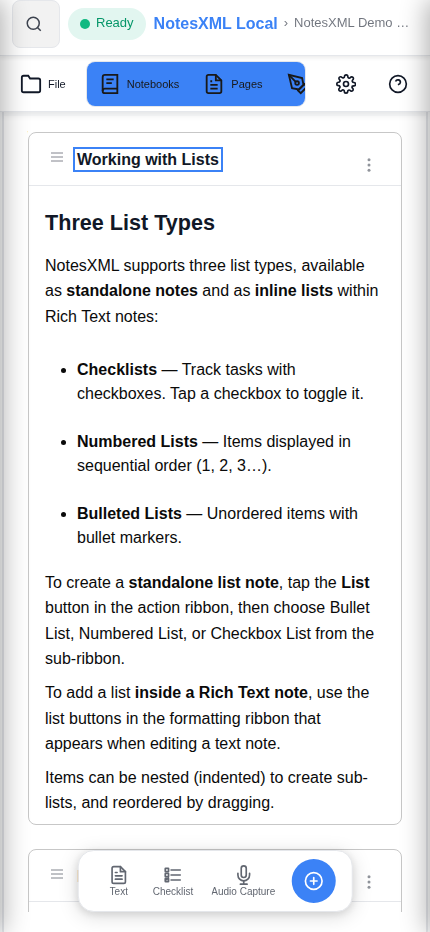
Screenshots
NotesXML Local in action
Captured from the 5.200.43 build with the bundled demo notebook.
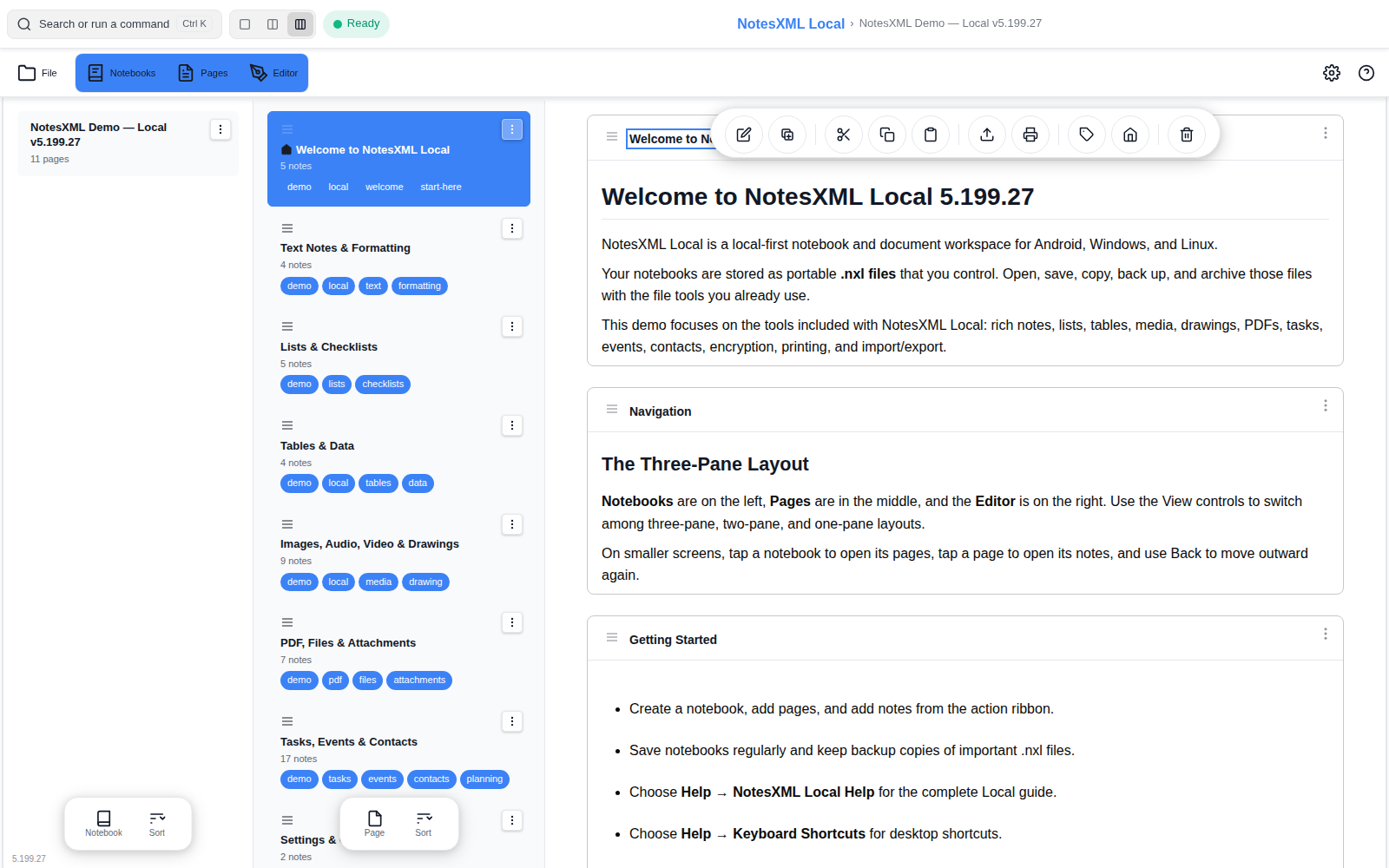
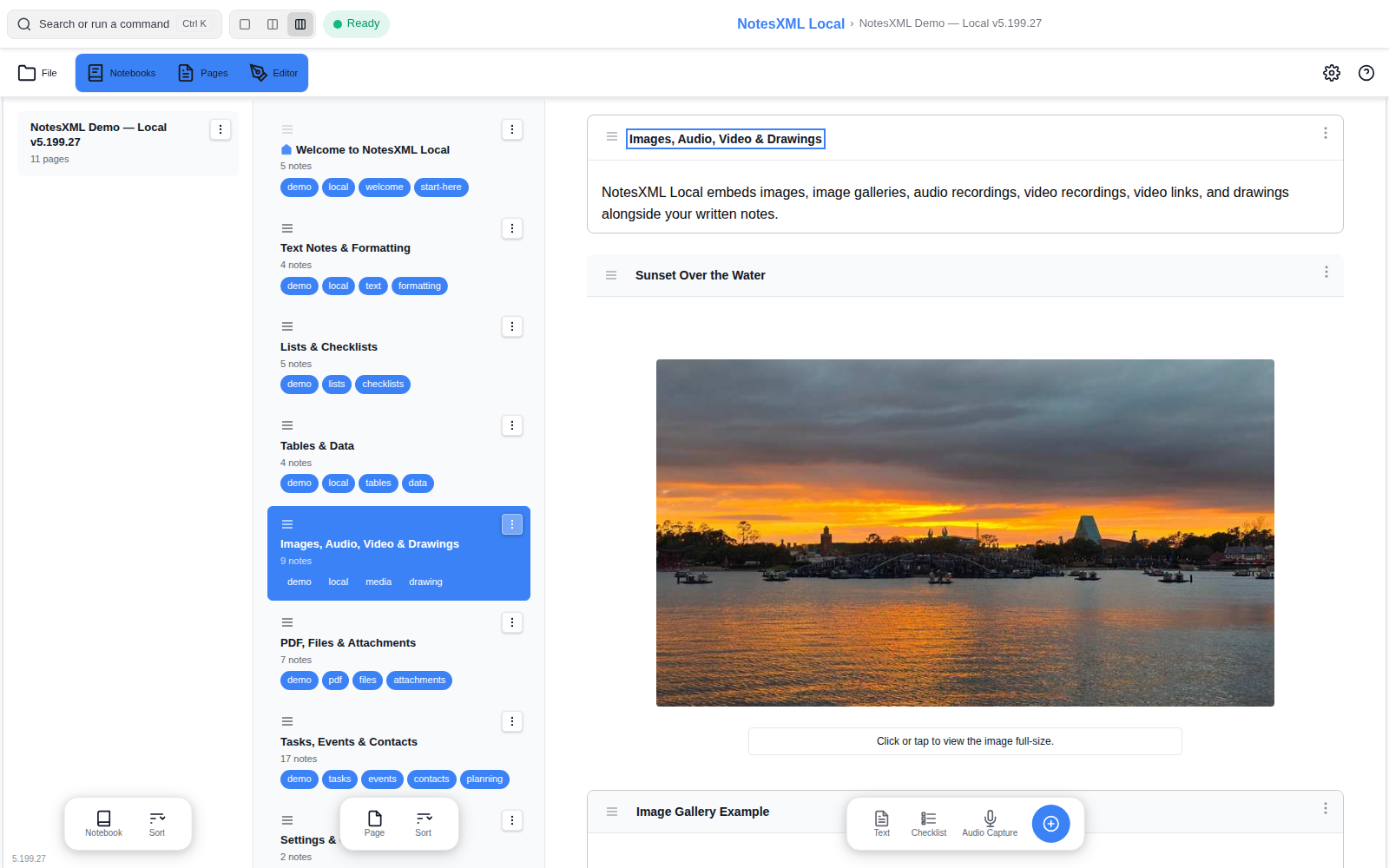
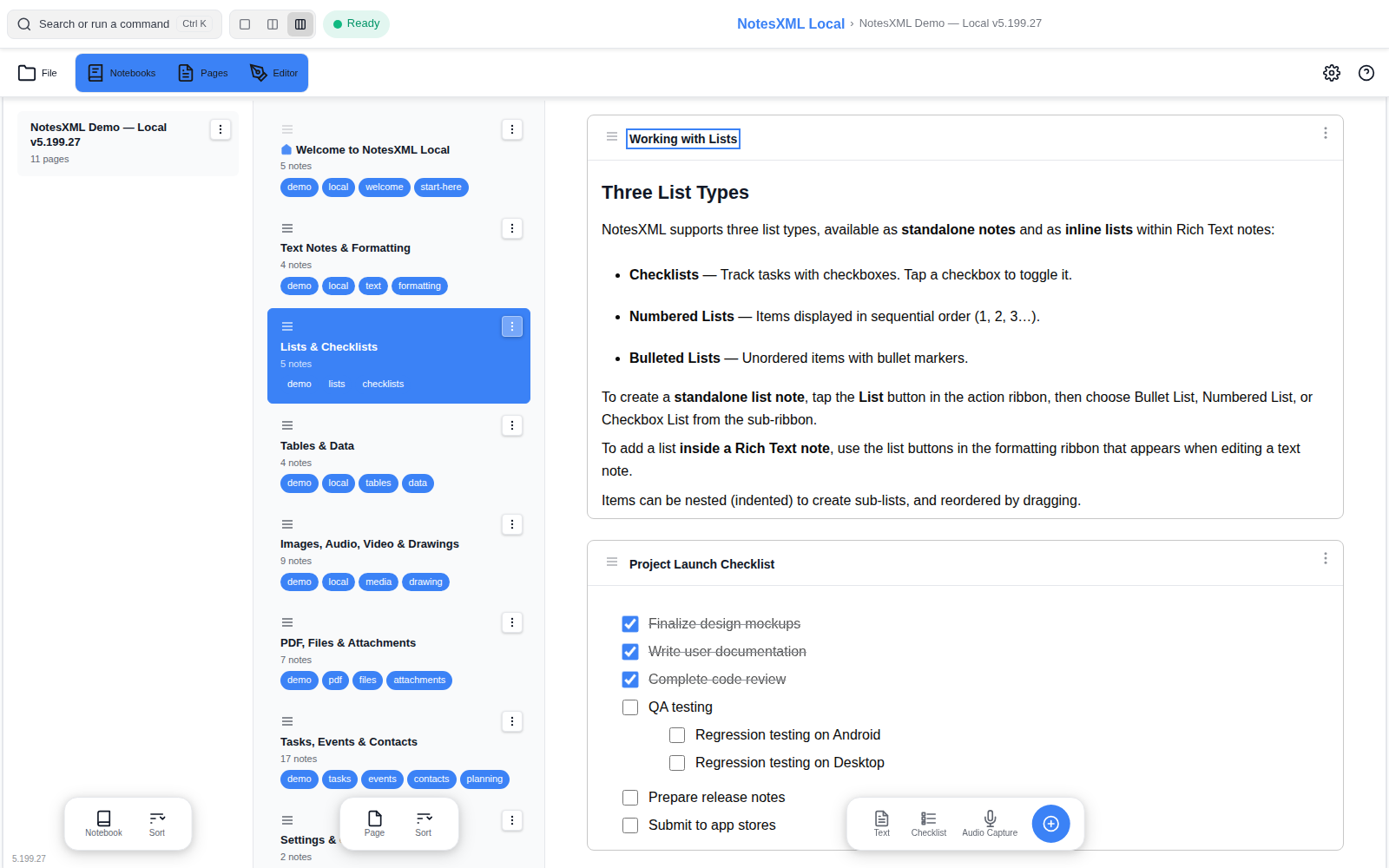
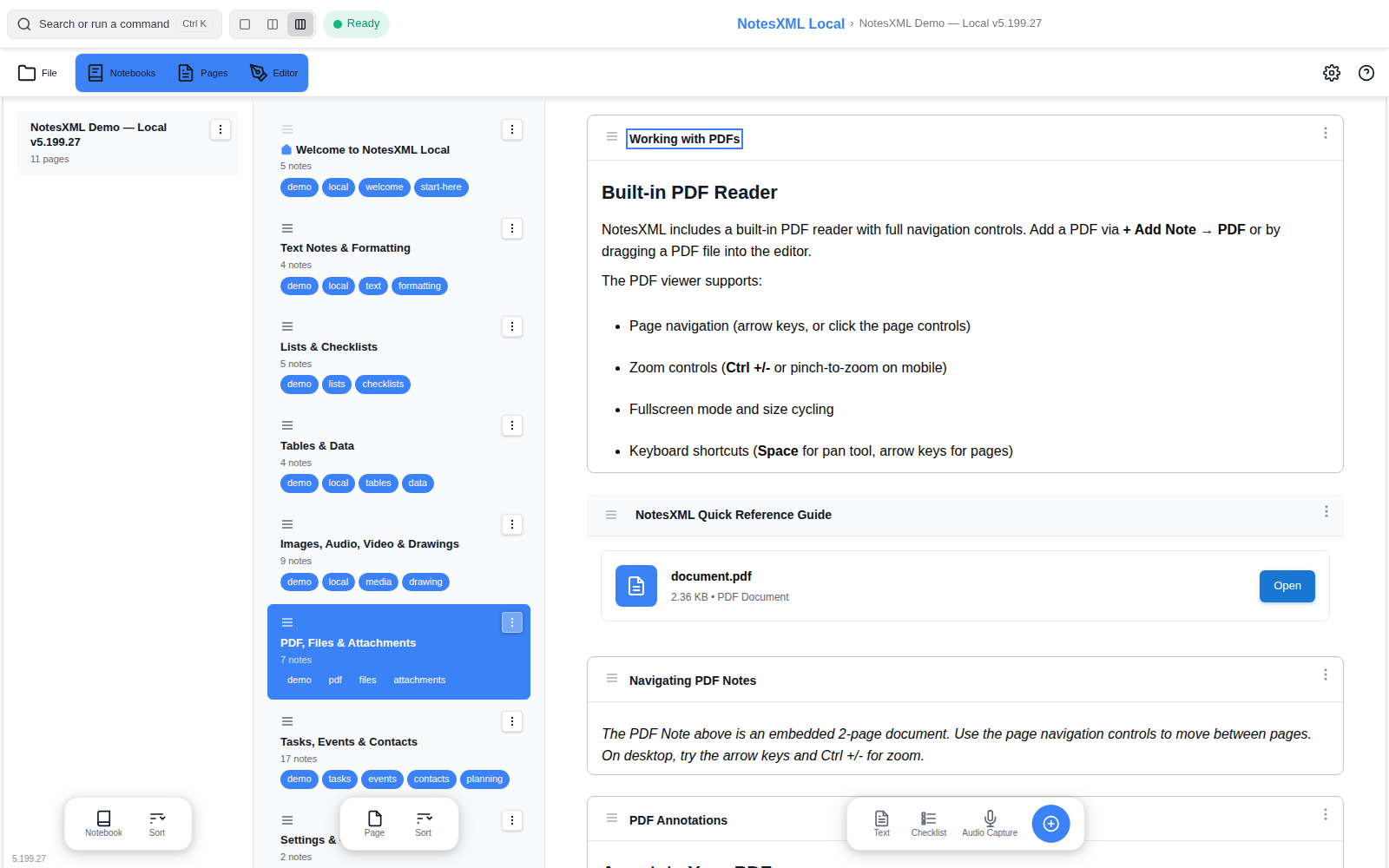
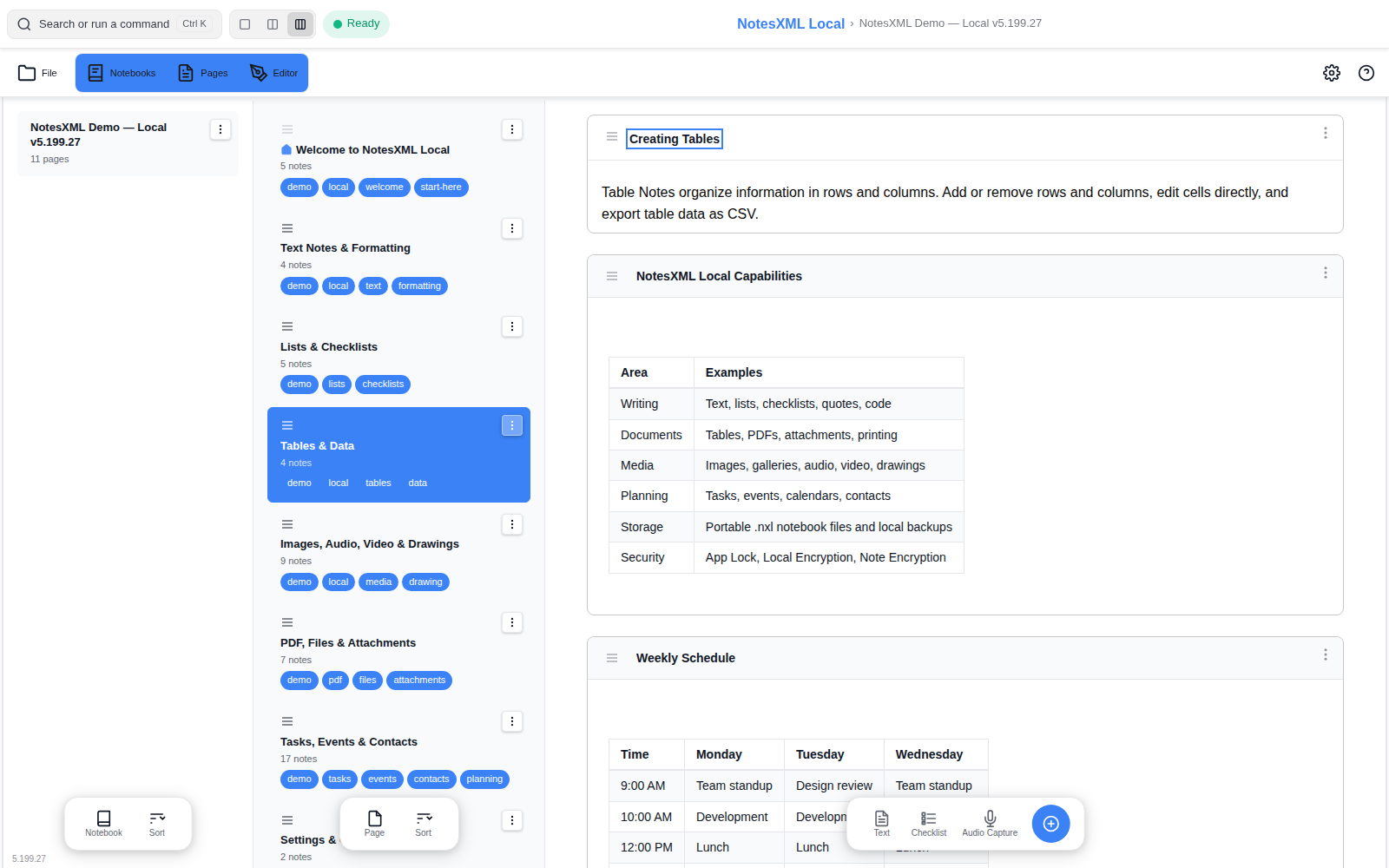
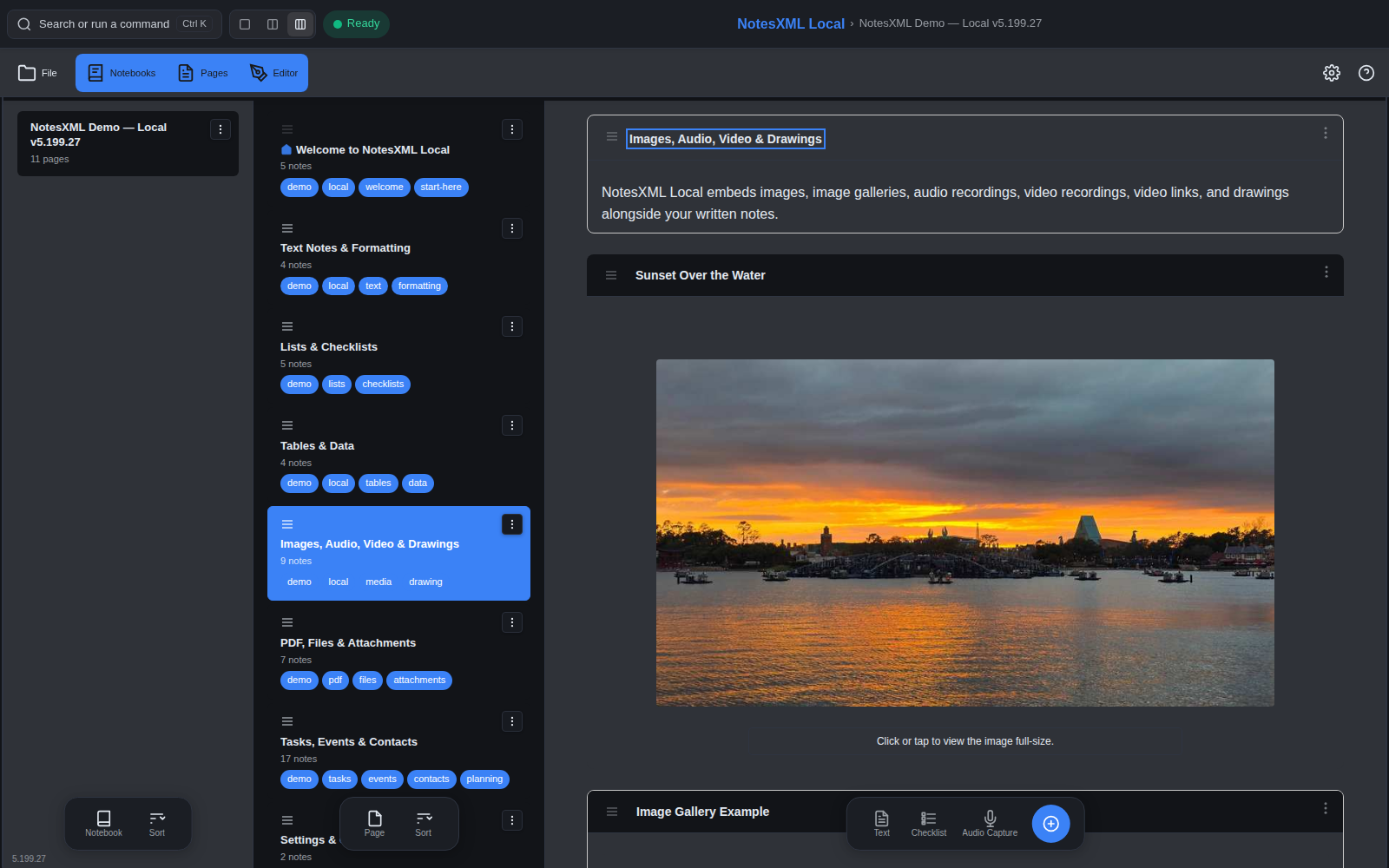
The complete NotesXML notebook and document workspace with everything connected taken out. Your notes stay in ordinary files on your device — nothing to sign into, nothing to sync, nothing that phones home. One low price, yours for good.
One purchase per platform. All three editions read and write the same .nxl files, and so does NotesXML.
NotesXML Local is built from the same code as NotesXML. The connected features — on-device AI, dictation and transcription, cloud sync, licensing — are removed at build time, not switched off. What remains is a serious note-taking and document tool for people who want nothing to leave their machine.
Formatted text, headings, lists and checklists, tables, quotes, code blocks, links and a table of contents. 26 note types, unlimited notebooks and pages.
Images and galleries, audio and video recording with playback, multi-page drawings and handwriting with export to PDF. Recording keeps going with the screen off.
View and mark up PDFs with 14 ISO 32000 tools — pen, highlighter, notes, shapes, stamps — readable in Acrobat and every other viewer.
Tasks, events and contacts with day, 3-day, week, month, 3-month and year calendar views, reminders and alarms, universal search, tags.
App Lock, AES-256 local encryption and per-note encryption. Keys never leave the device. No account, no telemetry, no ads — and no code in the build that could change that.
Portable .nxl files you can copy, back up and open anywhere NotesXML runs. Import Word, Markdown, HTML and text; export PDF, HTML and Markdown without branding; print with cover pages and tables of contents. Read Aloud works offline.
Captured from the 5.200.43 build with the bundled demo notebook.
Free is the trial-expired tier of the same app as Professional — the connected features are present but limited. Local is a different build: more than Free, less than Professional, for a single payment and nothing connected.
| NotesXML Free | NotesXML Local | NotesXML Professional | |
|---|---|---|---|
| Price | $0 after the 14-day trial | $9.99 one-time | $4.99/mo, $29.99/yr or $39.99 lifetime; academic $24.99 |
| Account or sign-in | None | None | None (licence key) |
| Ads | No | No | No |
| Windows, Linux, Android | Yes | Yes | Yes |
Same .nxl files everywhere | Yes | Yes | Yes |
| Notebooks, pages, 26 note types | Unlimited | Unlimited | Unlimited |
| Images, galleries, audio & video recording | Yes | Yes | Yes |
| Drawings & handwriting | Single-page | Multi-page, PDF export | Multi-page, PDF export |
| Background (screen-off) audio recording | — | Yes | Yes |
| PDF viewing | Yes | Yes | Yes |
| PDF annotation (14 tools) | — | Yes | Yes |
| Tasks, events, contacts, calendars, reminders | Yes | Yes | Yes |
| Read Aloud (offline text-to-speech) | Yes | Yes | Yes |
| Dictation (voice typing) | Yes | — | Yes |
| Offline transcription of recordings | First 30 s | — | Up to 4 hours, 99 languages |
| On-device AI | Free actions, 2 models | — | 14-model catalog, all actions, OCR, AI Chat |
| Cloud sync (Google Drive, Dropbox) | — | — | Yes, zero-knowledge |
| Import & export, all formats | Yes (branded exports) | Yes, unbranded | Yes, unbranded |
| Advanced print to PDF | Basic | Yes | Yes |
| Themes | 4 | All 16 | All 16 |
| App Lock, AES-256 encryption, note encryption | Yes | Yes | Yes |
| Local backups | Yes | Yes | Yes |
Want AI, dictation or sync later? Open your Local notebooks in NotesXML — nothing to convert.
Checkout is handled by Stripe (sold through Link, so your statement shows LINK.COM* IWV DIGITAL SOLUTIONS). Card, Link, Google Pay and Apple Pay.
A download link appears right after payment and is emailed to you. It stays valid for 7 days; request a fresh one any time from Resend my download link. You always get the current version.
chmod +x the AppImage and run. 64-bit Linux with FUSE2 (Ubuntu 20.04+, Pop!_OS, Fedora 38+). No account, nothing to activate. 30-day money-back guarantee.
Current Linux build: NotesXML-Local-Release-5.200.43-WebsiteDirect-sec2.AppImage (241 MB)
SHA-256: e528c96548fdf9ac19ebc0fadb89948c257ca17bc6650d0622e8631321ad8236
No. Free is NotesXML with its connected features limited. Local has no connected features at all, and includes things Free does not: PDF annotation, background recording, all themes, unbranded export, advanced printing.
Yes, within your household. Download limits are per link, not per install — request a fresh link whenever you need one.
Each platform is a separate purchase from its own store (Google Play, Microsoft Store, or here for Linux). The files are the same, so your notebooks move with you.
In .nxl files in a folder you choose. Back them up like any other document. Encryption keys never leave your device, so keep your passphrase safe — we cannot recover it.