Screenshots
NotesXML in action
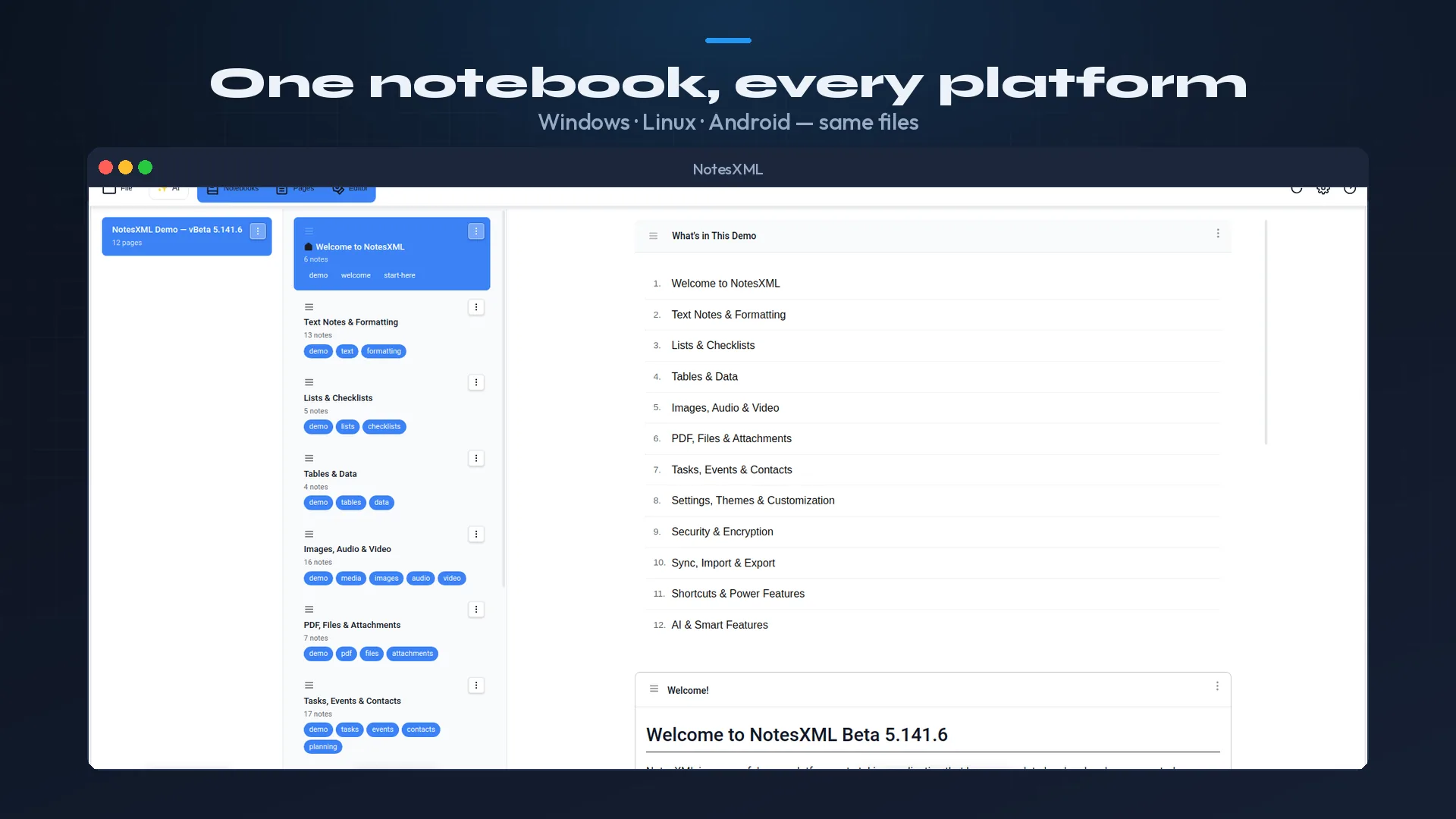
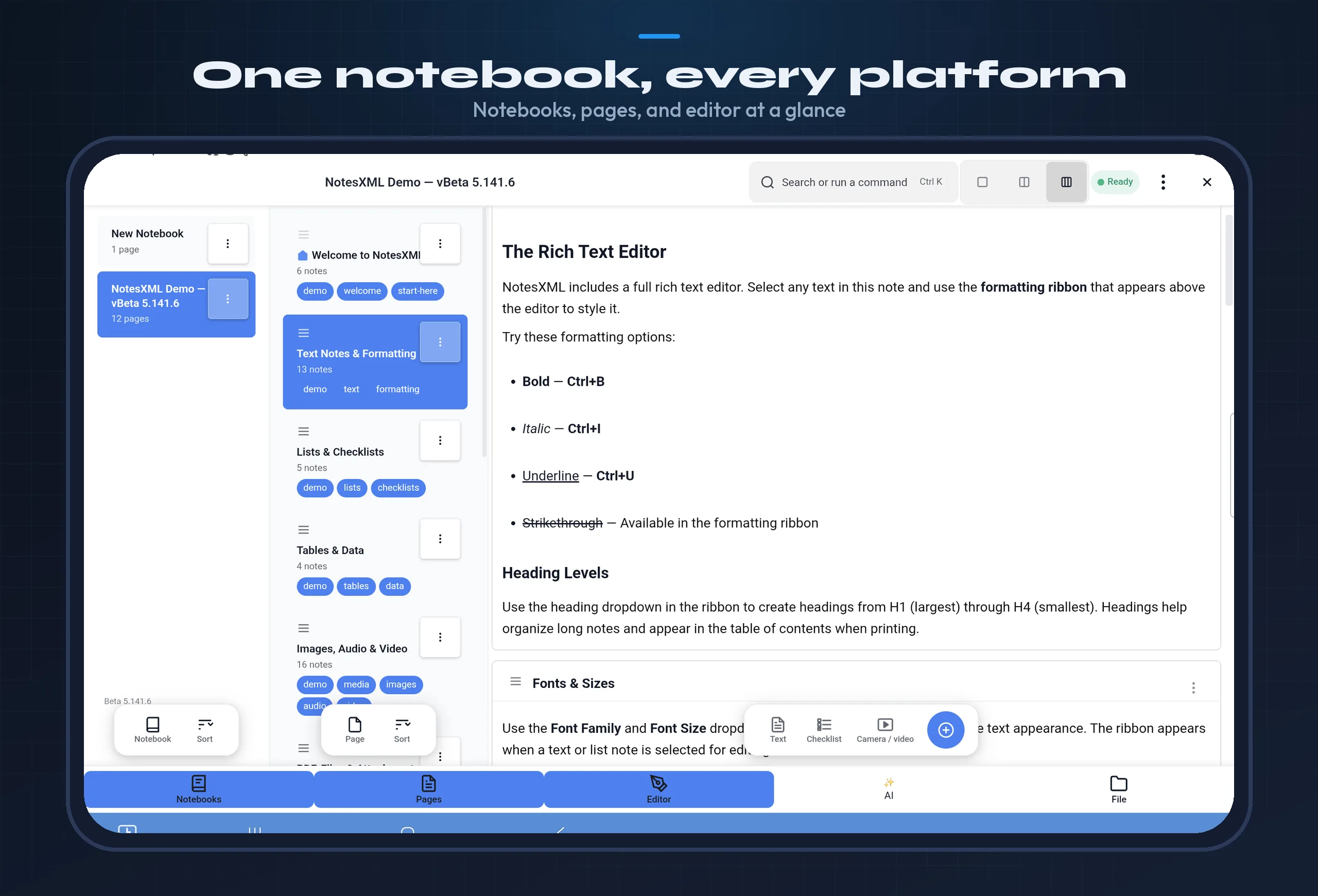
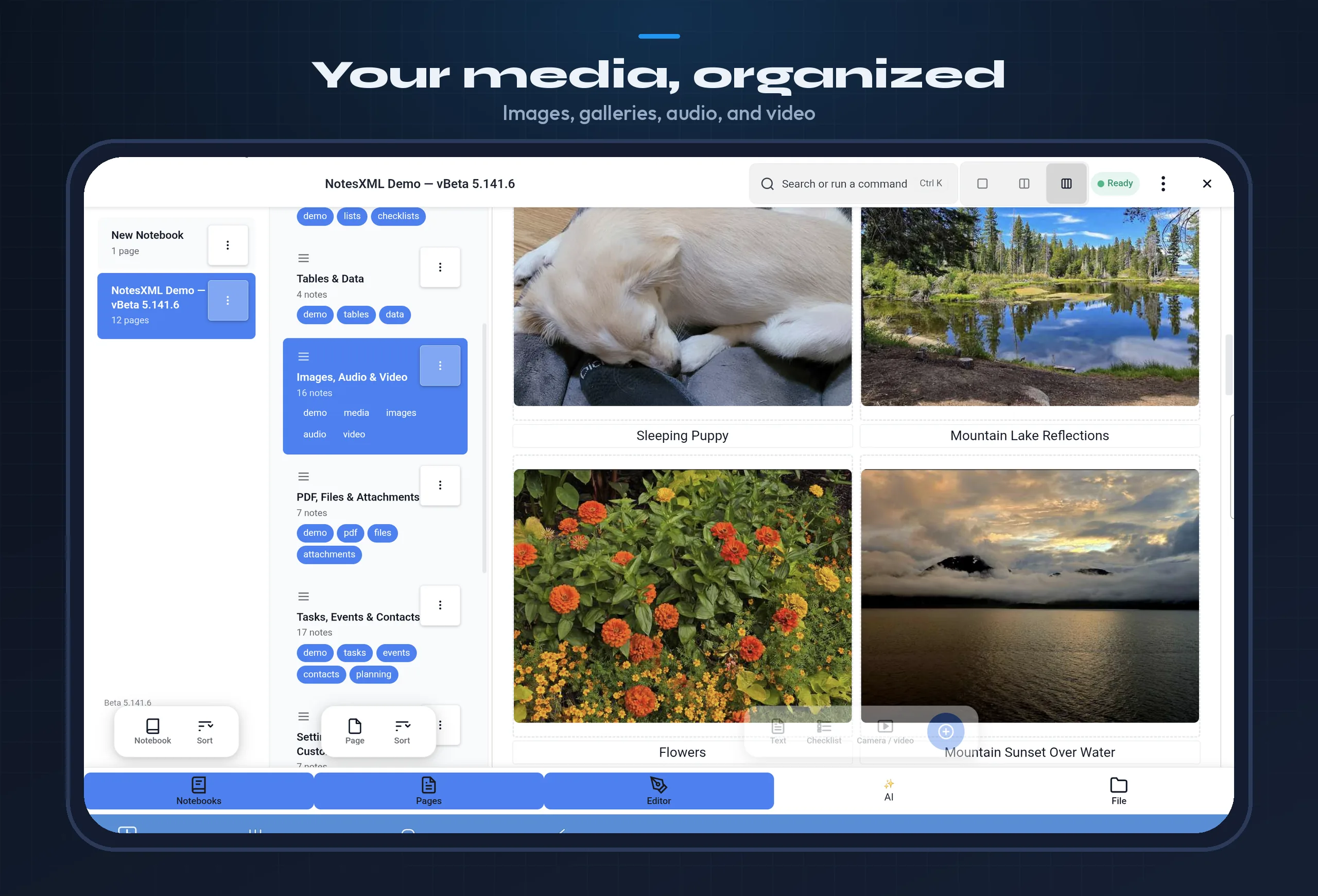
Same features, same file format, same experience across every platform.
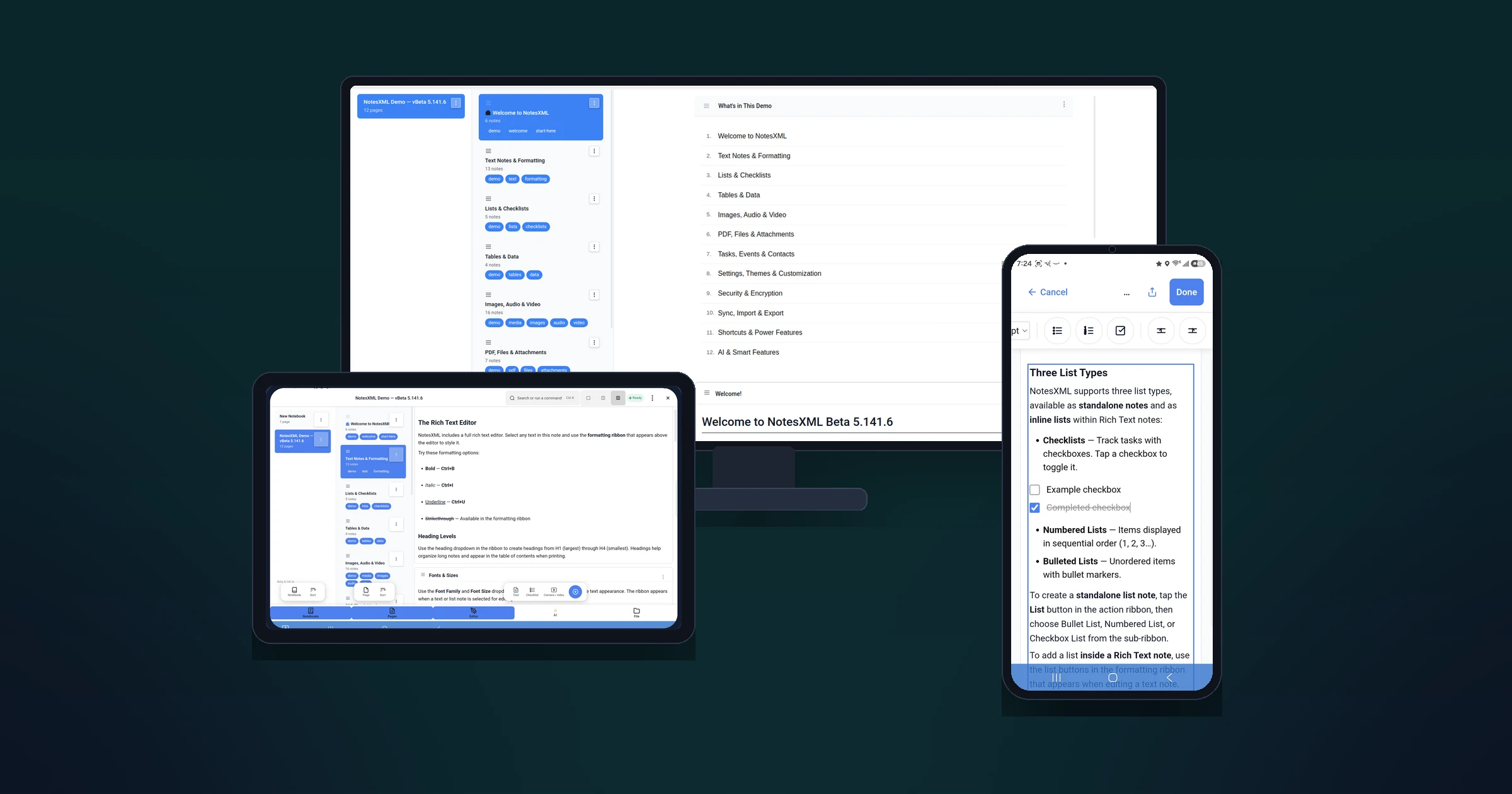
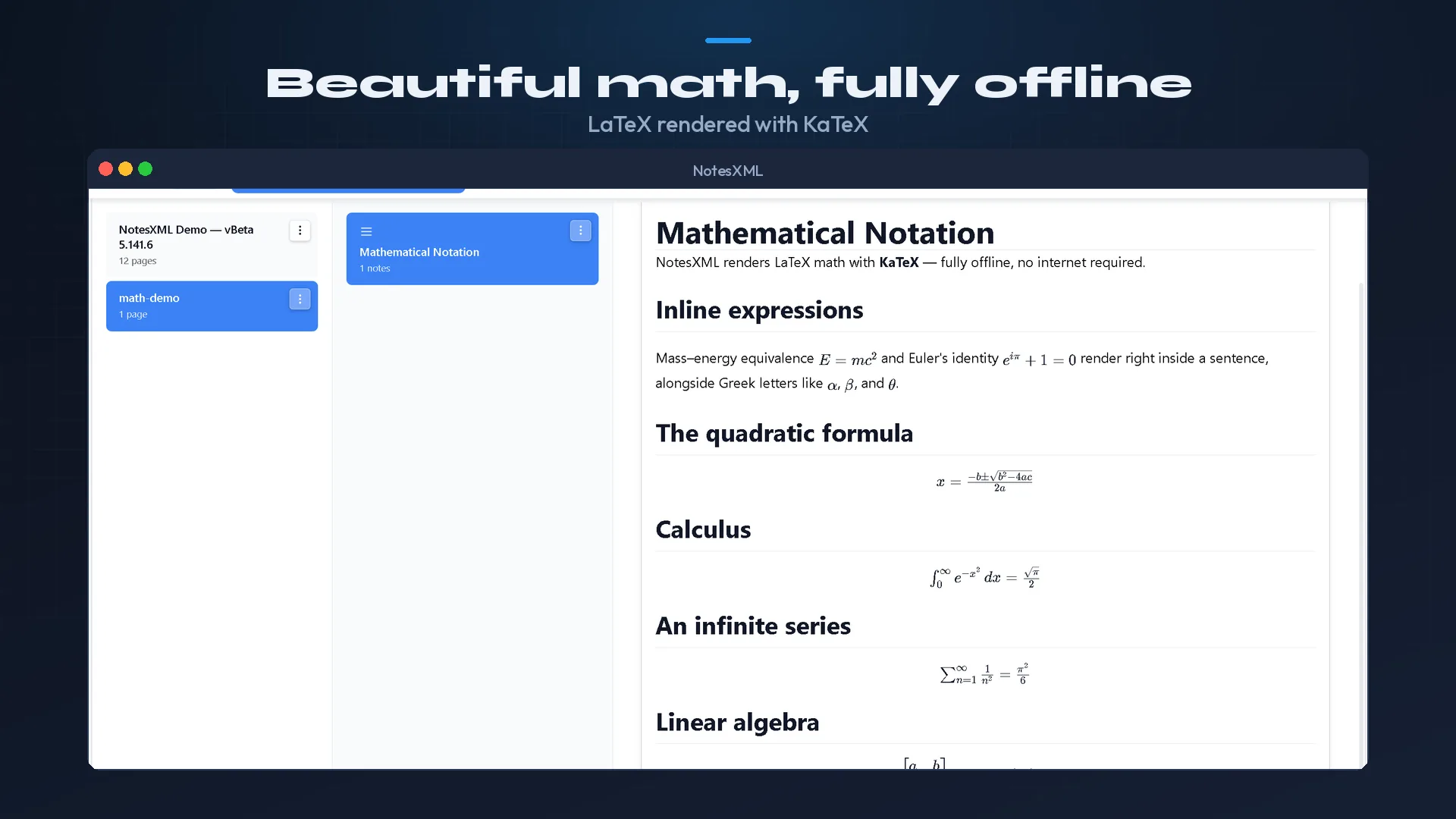
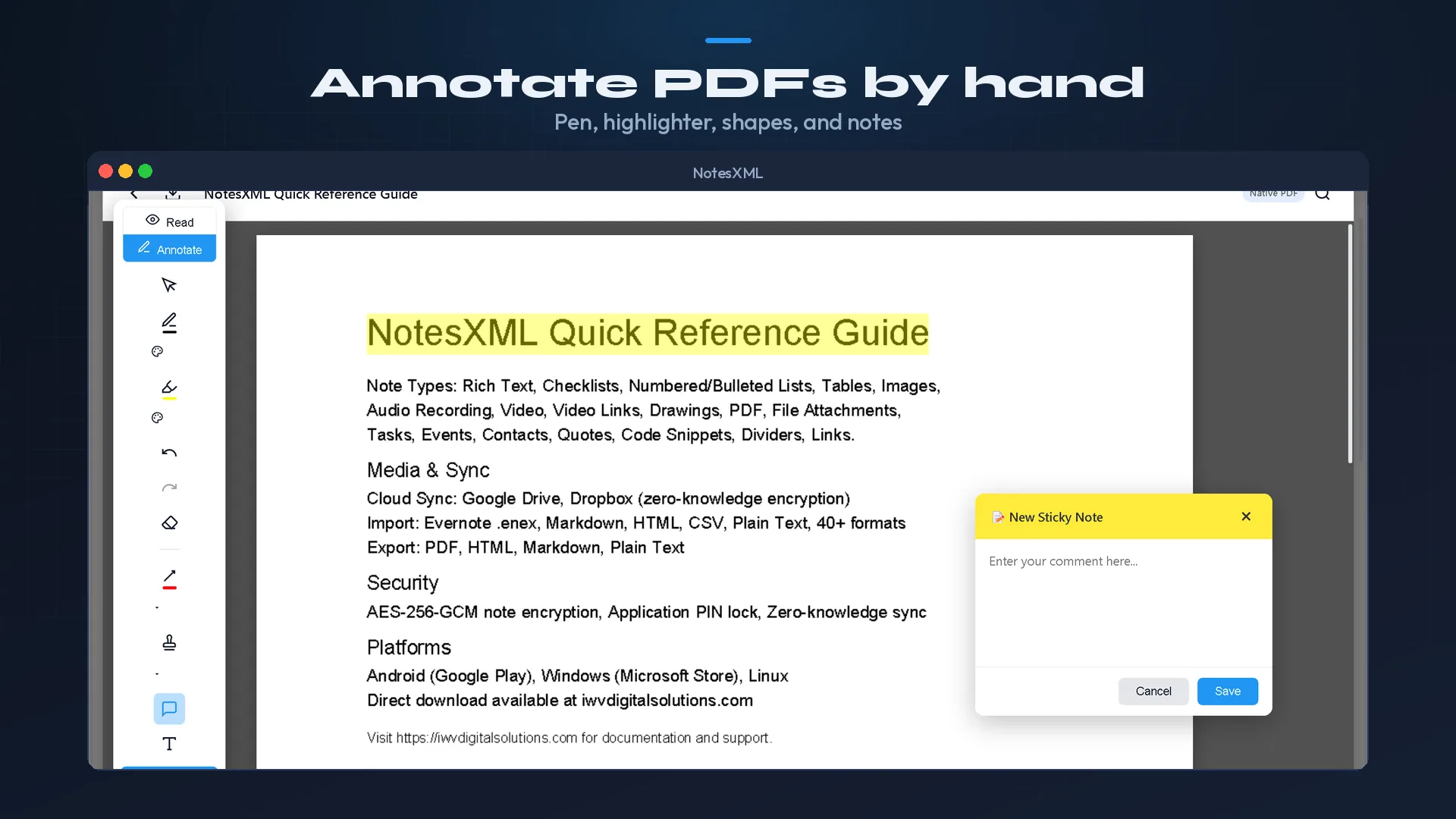
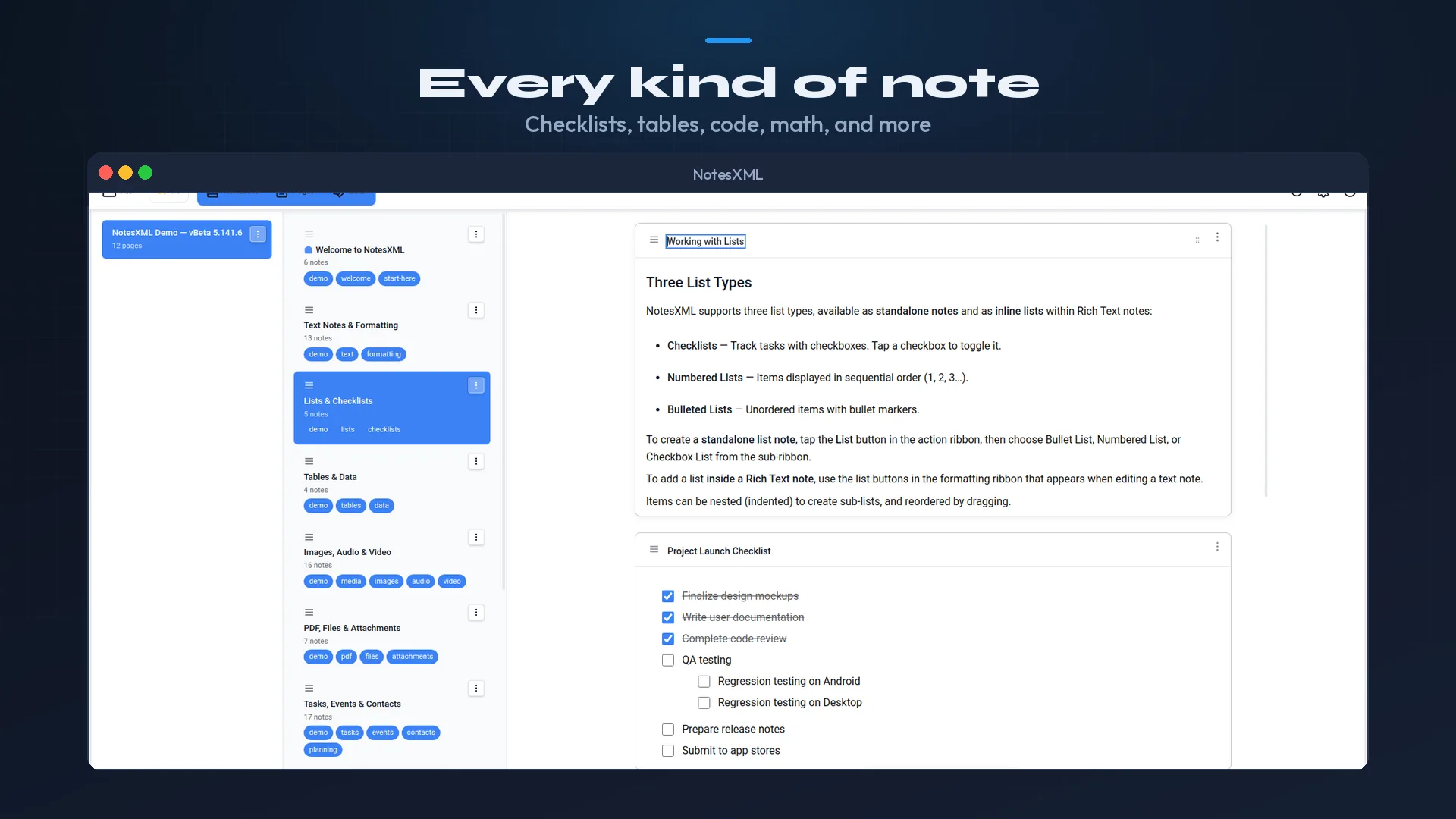
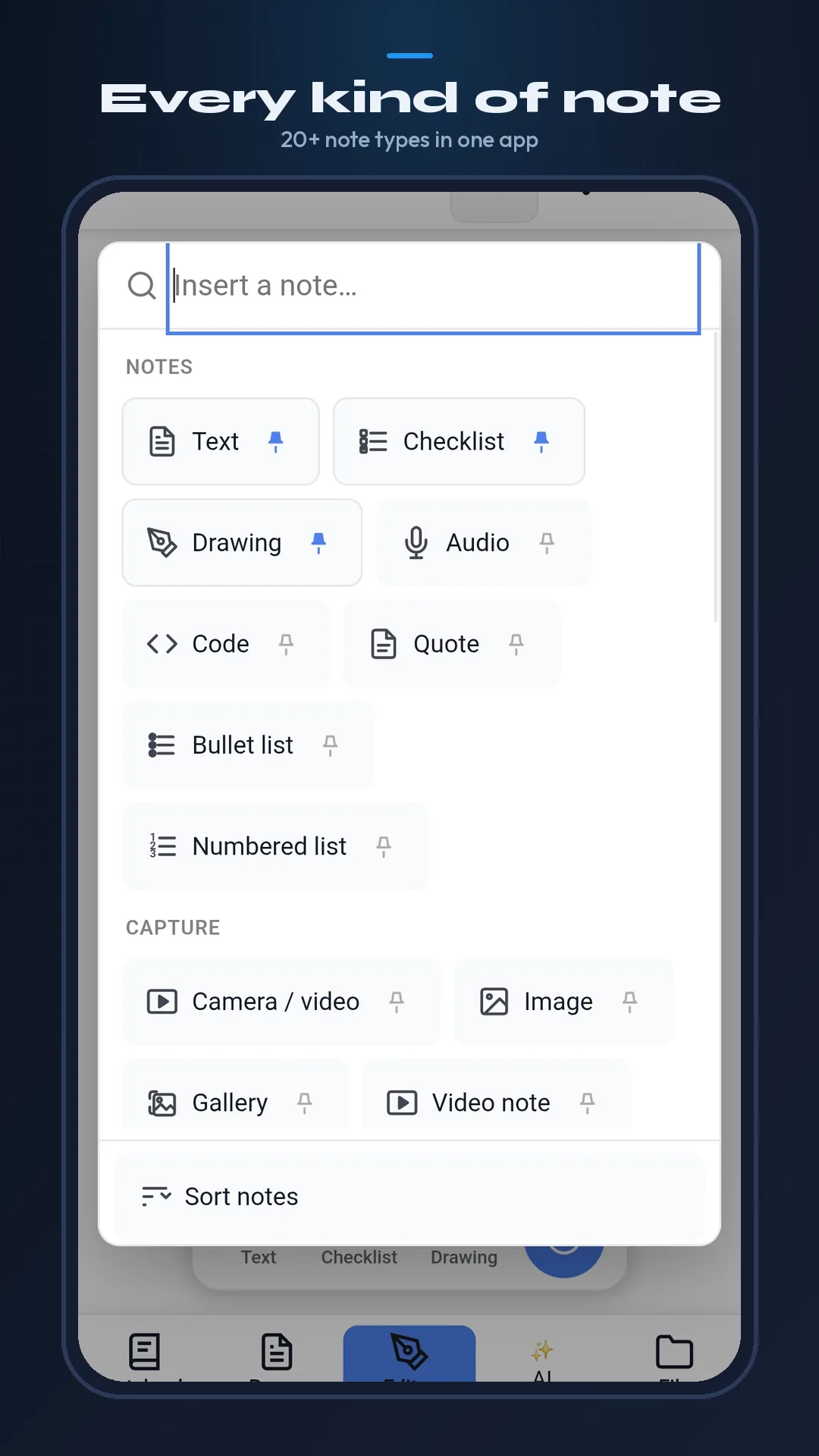
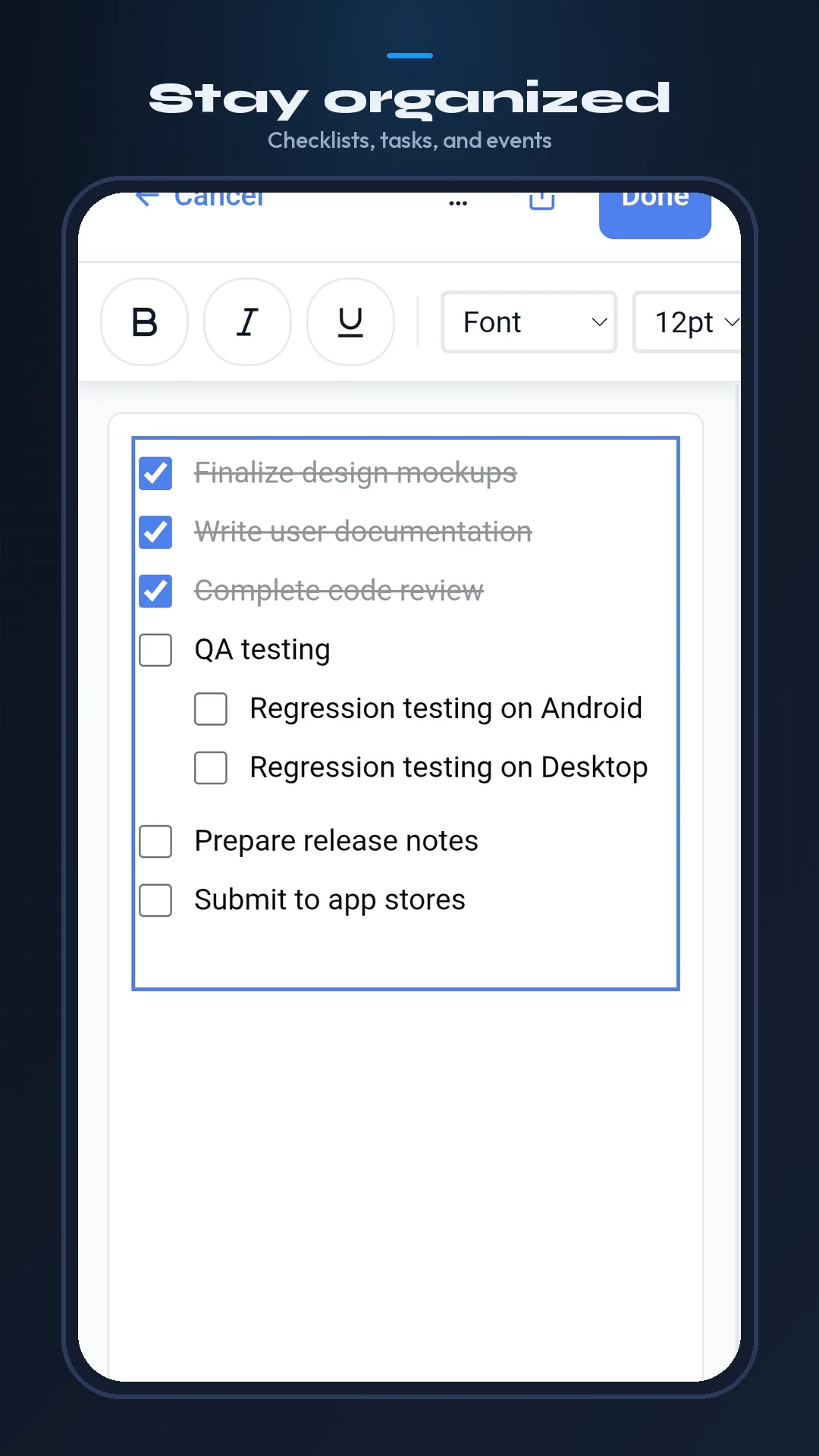
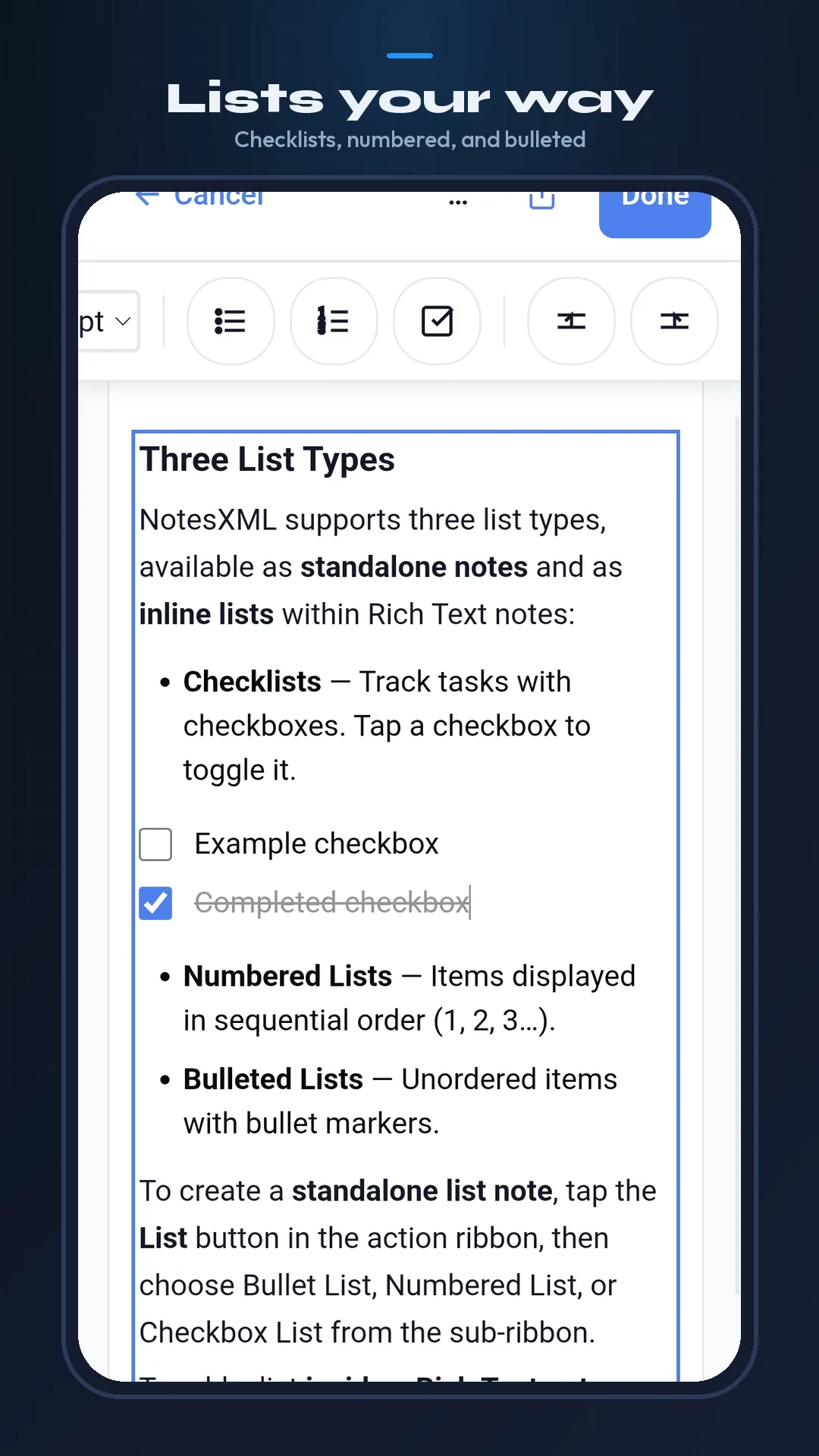
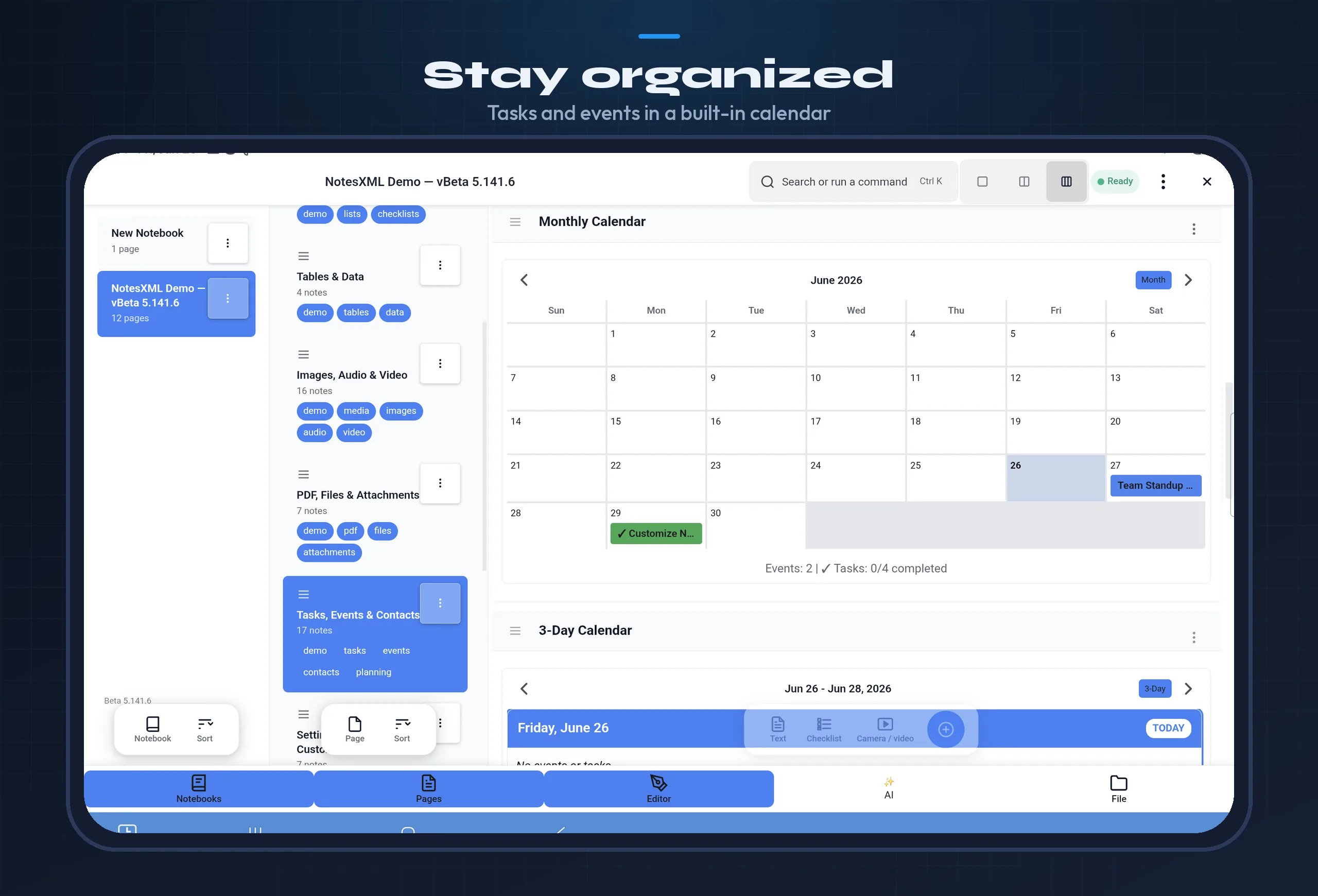
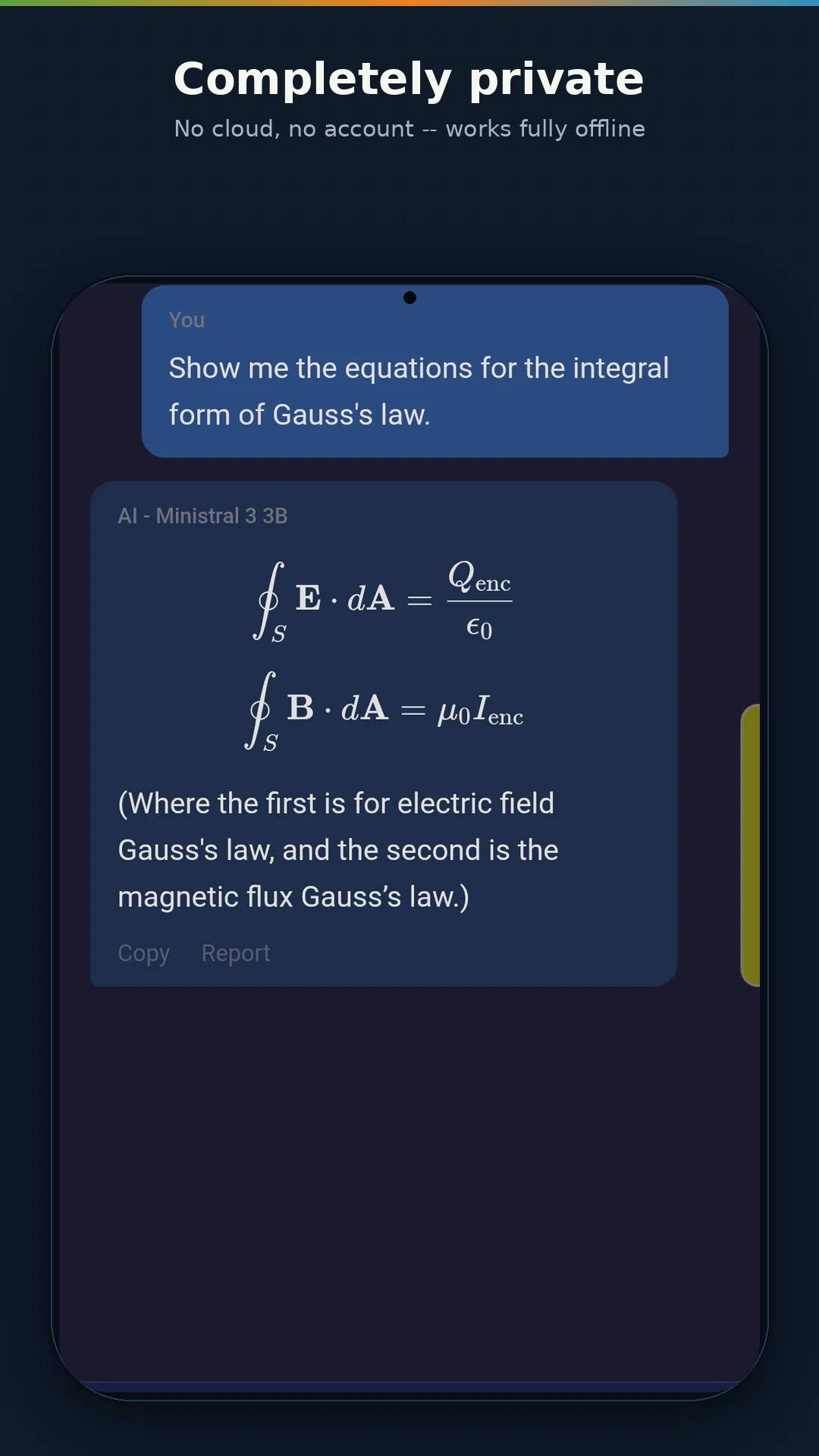
NotesXML is a complete personal information management system. Rich text, checklists, tables, code, images, audio with transcription, video, drawing, PDF annotation, tasks, events, contacts — powered by AI that runs entirely on your device.
A short tour of notebooks, on-device AI, PDF annotation and dictation — running entirely on the device, with no account and no cloud.
Recorded on a real device. No account, no cloud, no ads.
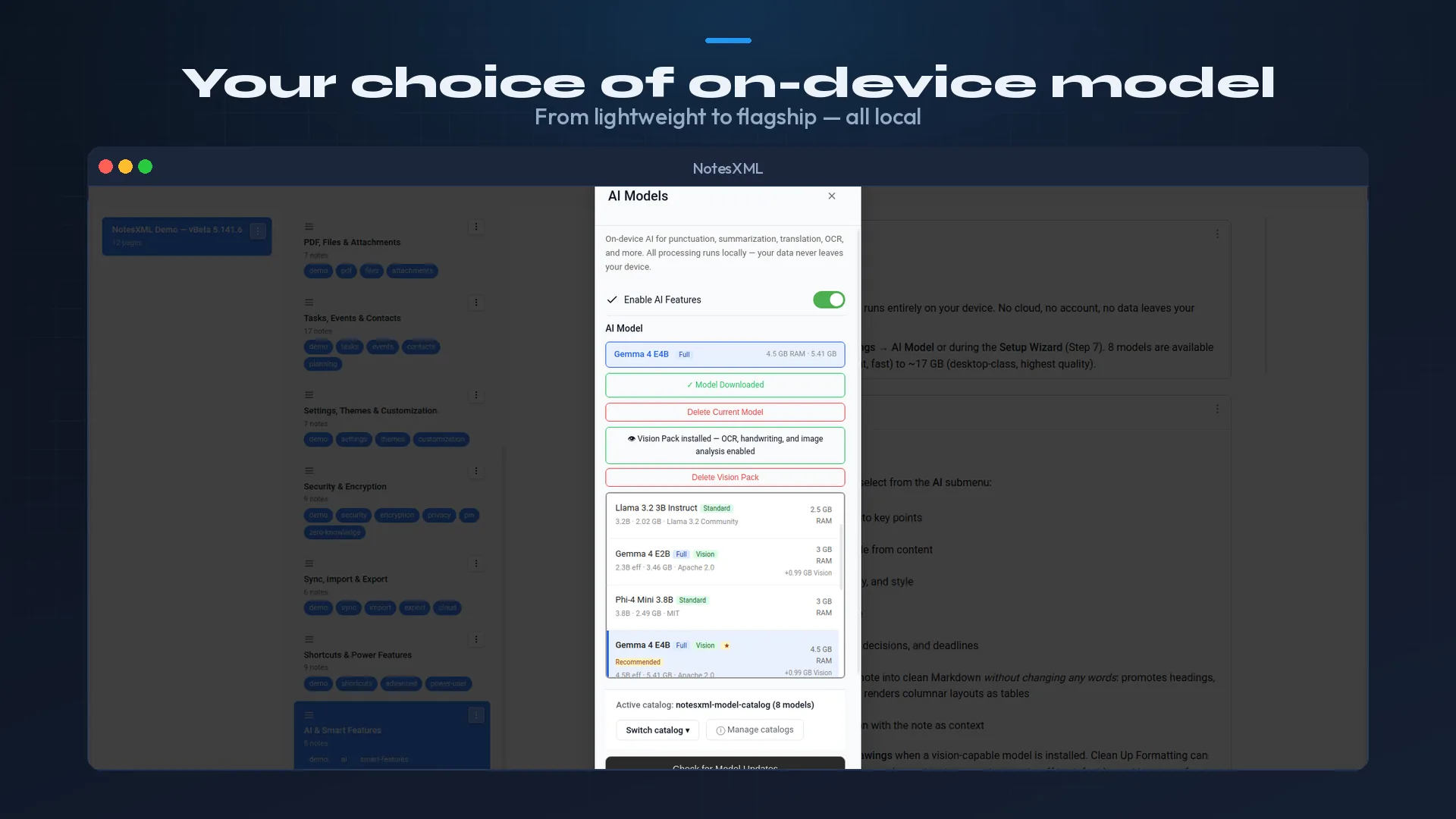
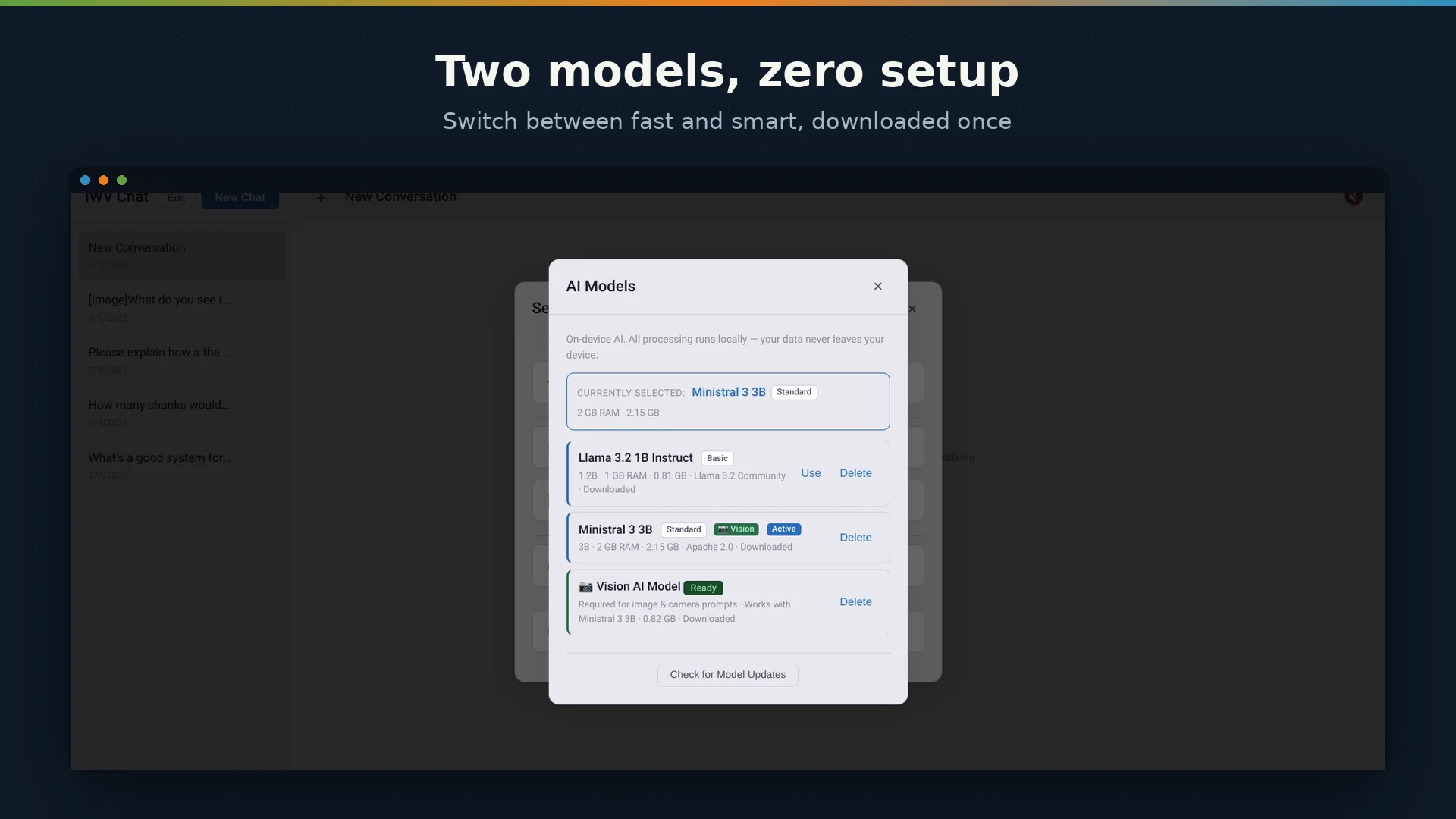
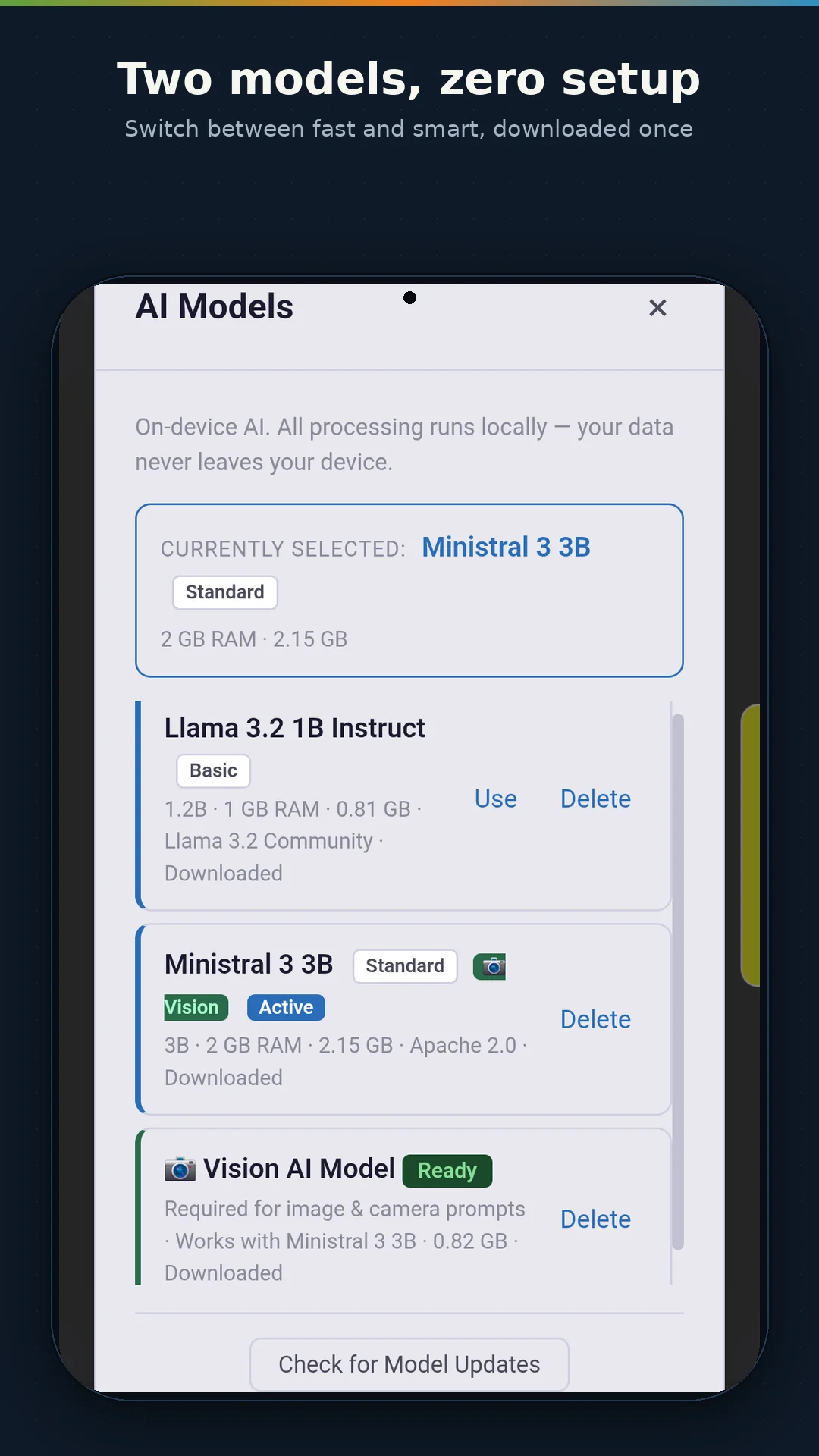
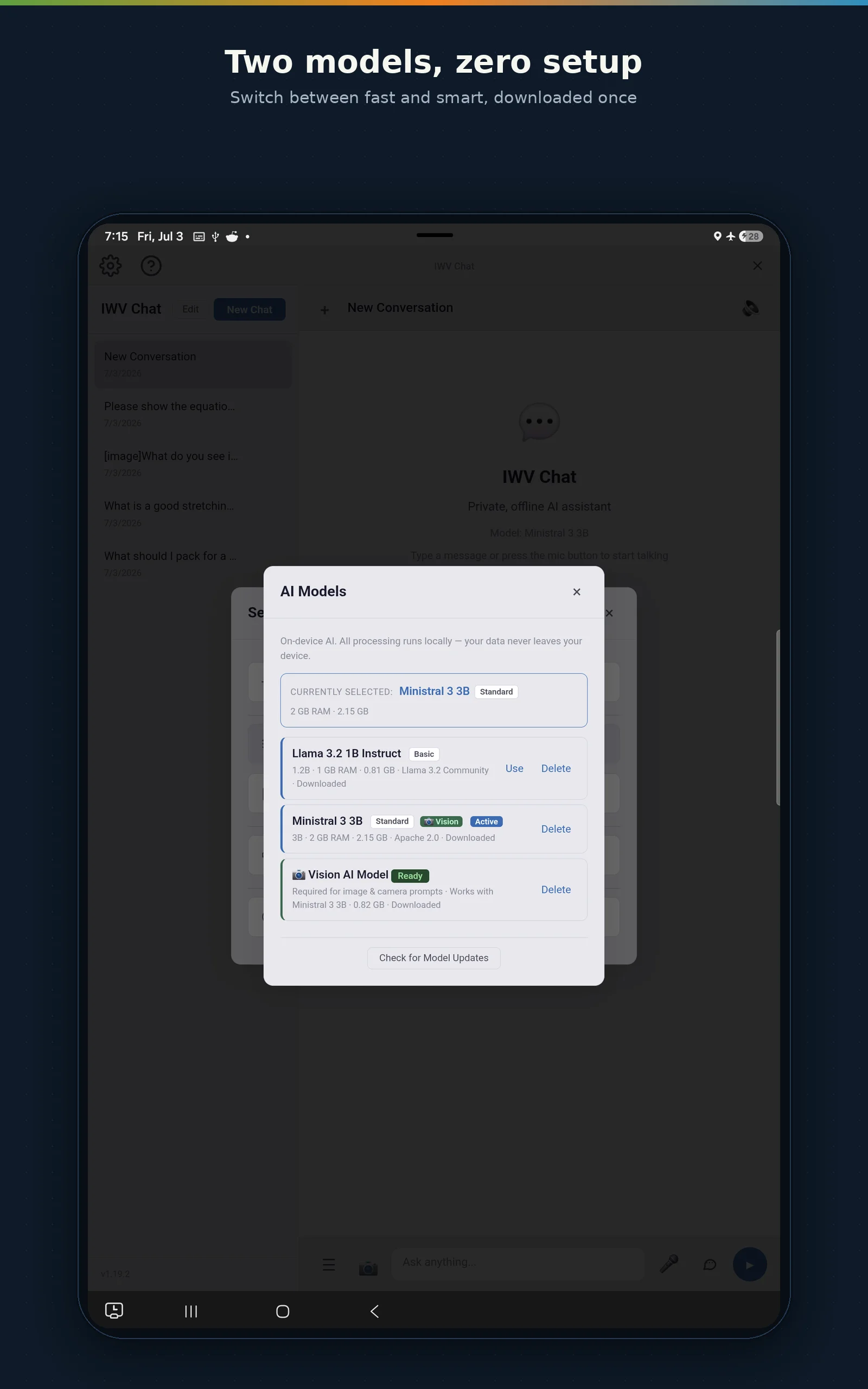
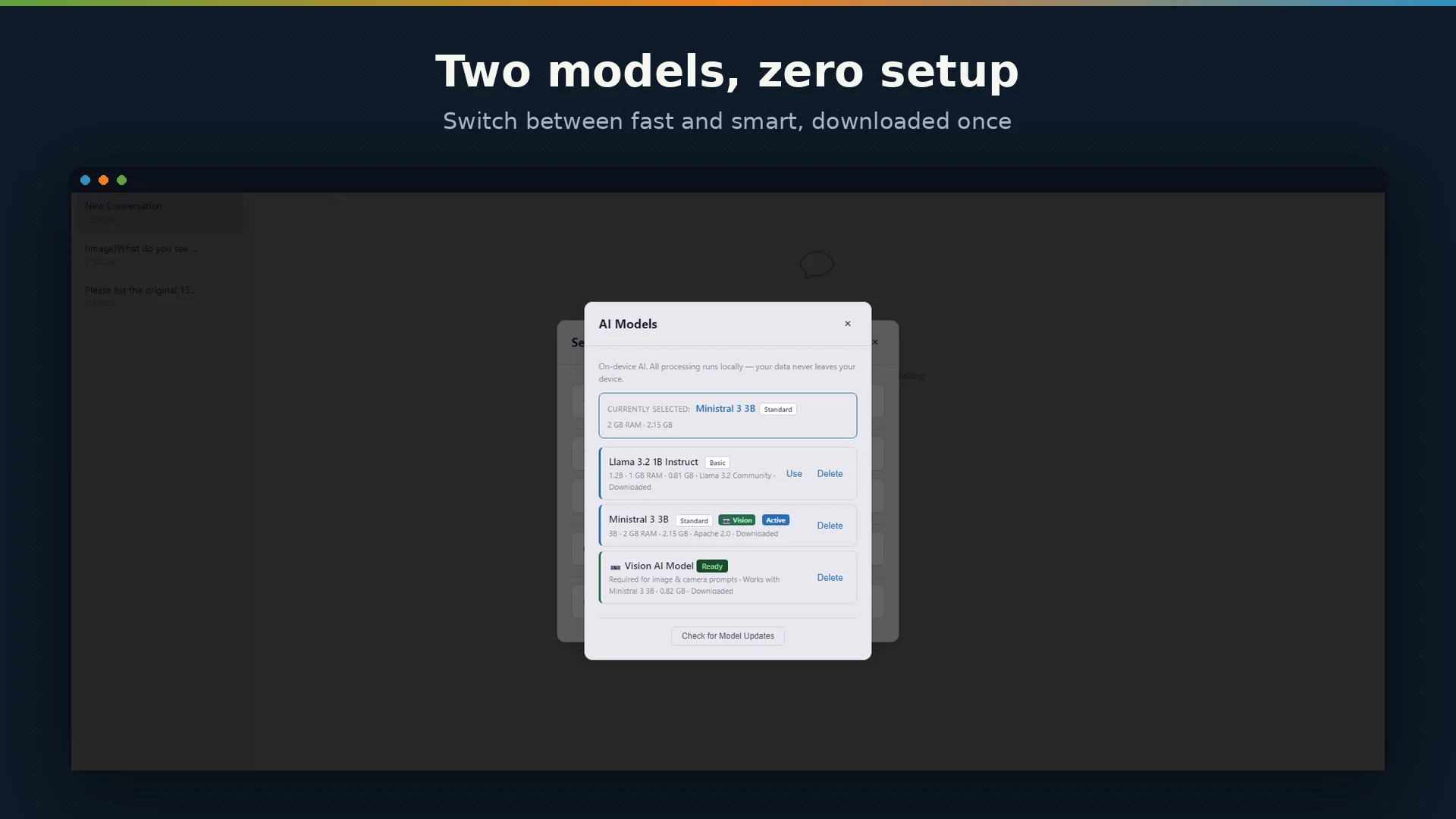
Choose from Liquid AI, Google Gemma, Mistral, OpenAI, Meta and specialist coding families — 1.6B to 31B parameters. Every model runs locally via llama.cpp.
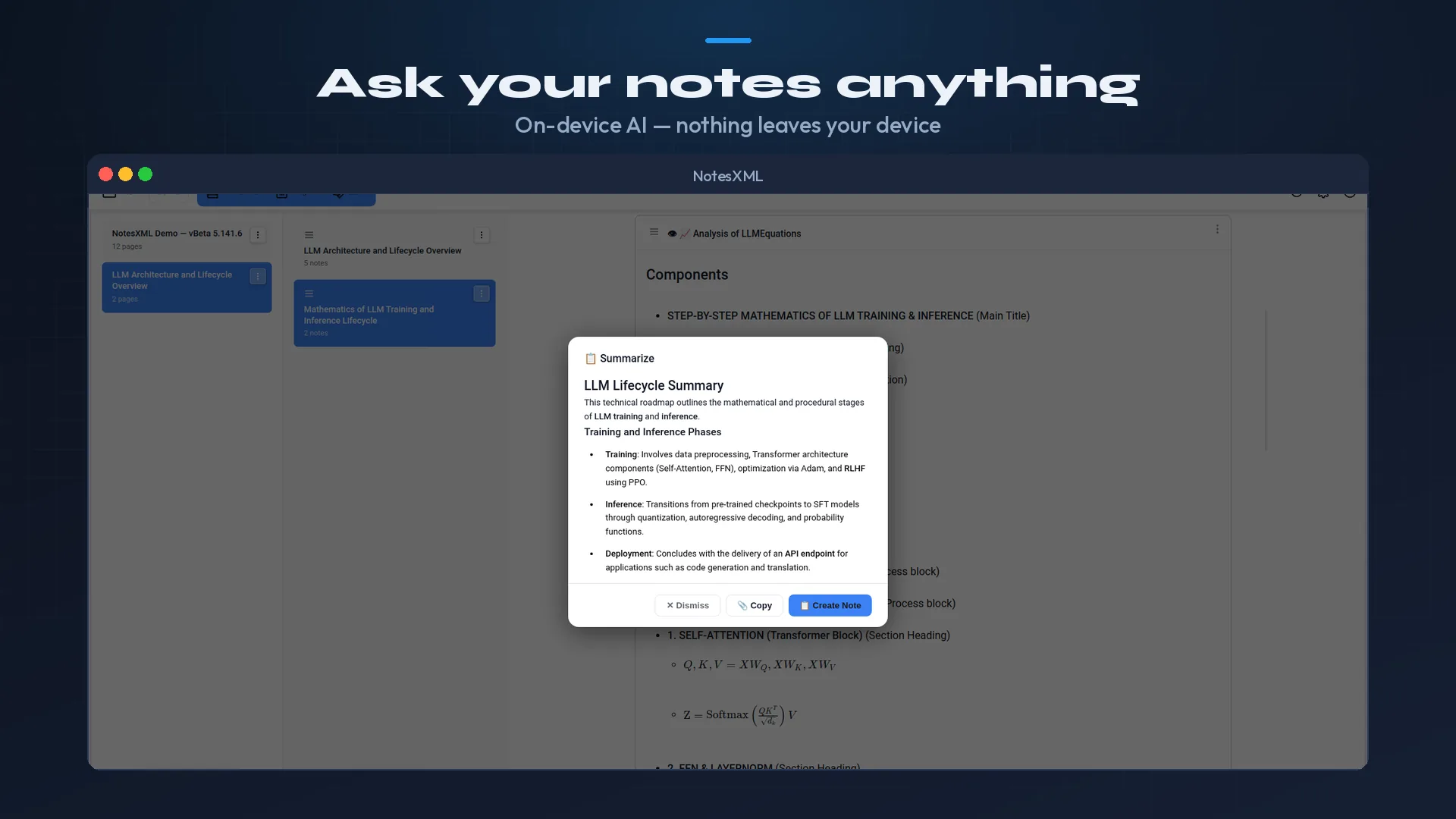
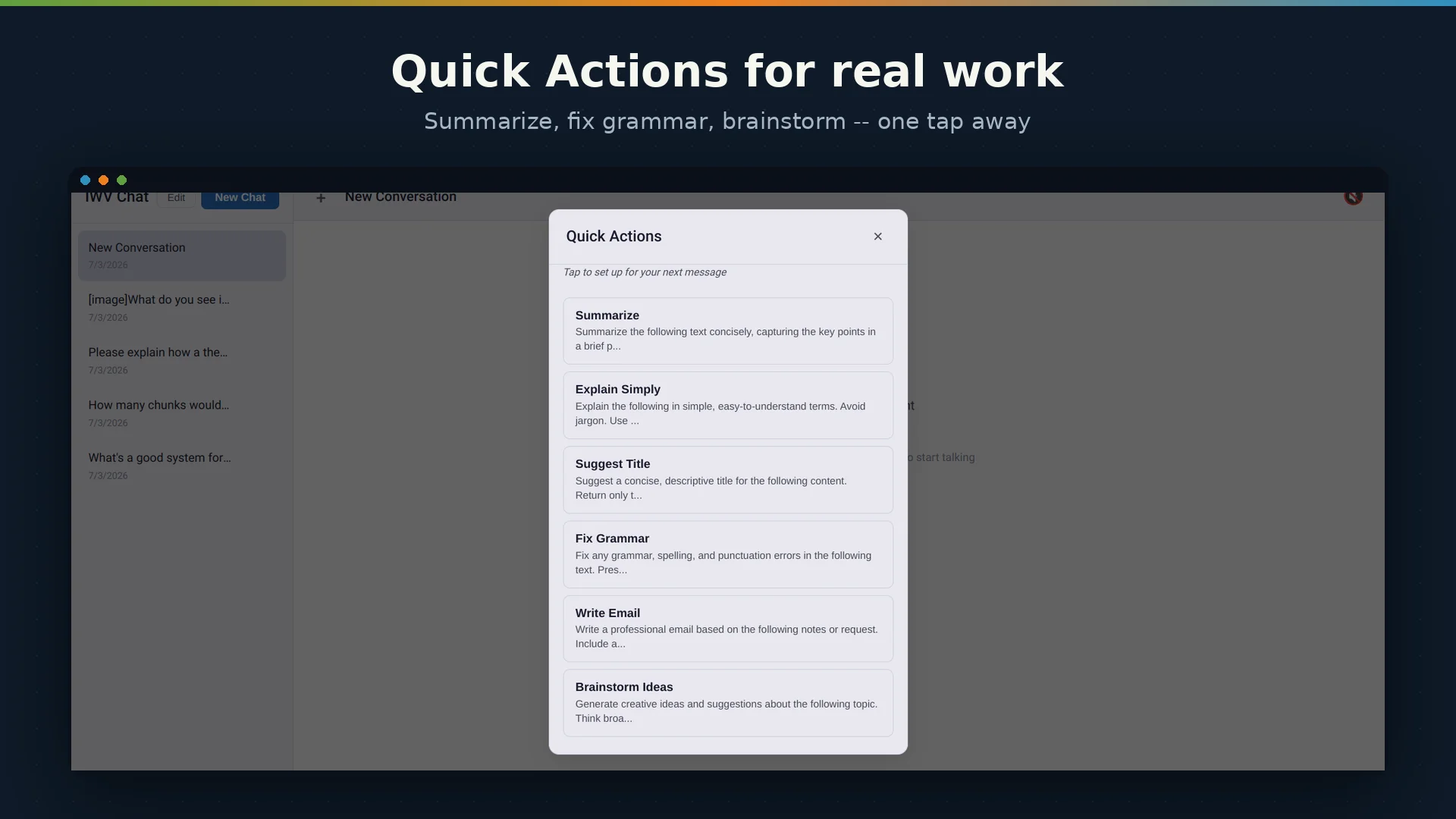
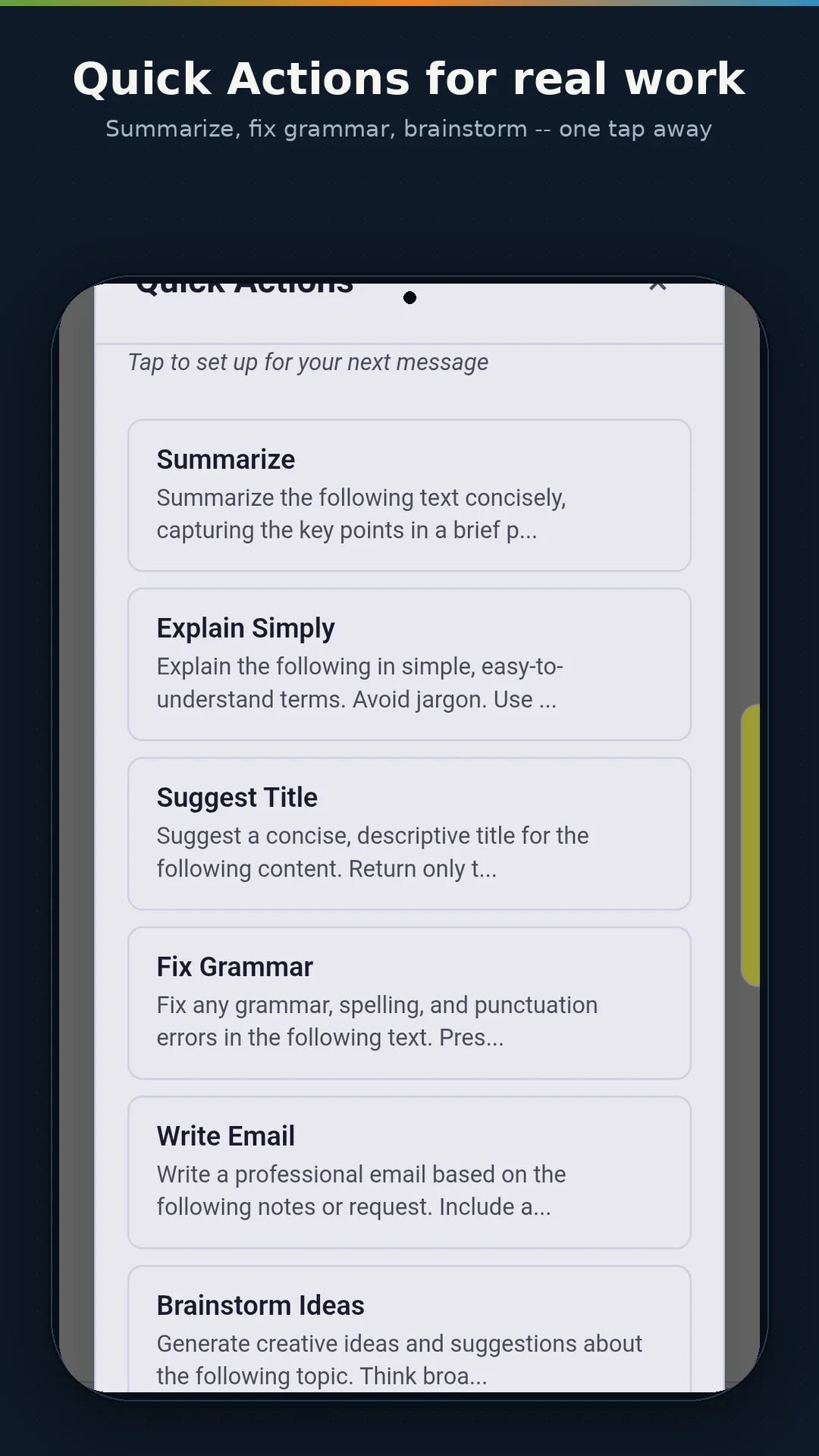
Select any note and get an AI summary, translation to Spanish (and more), grammar polish, or action item extraction — in seconds, completely offline.
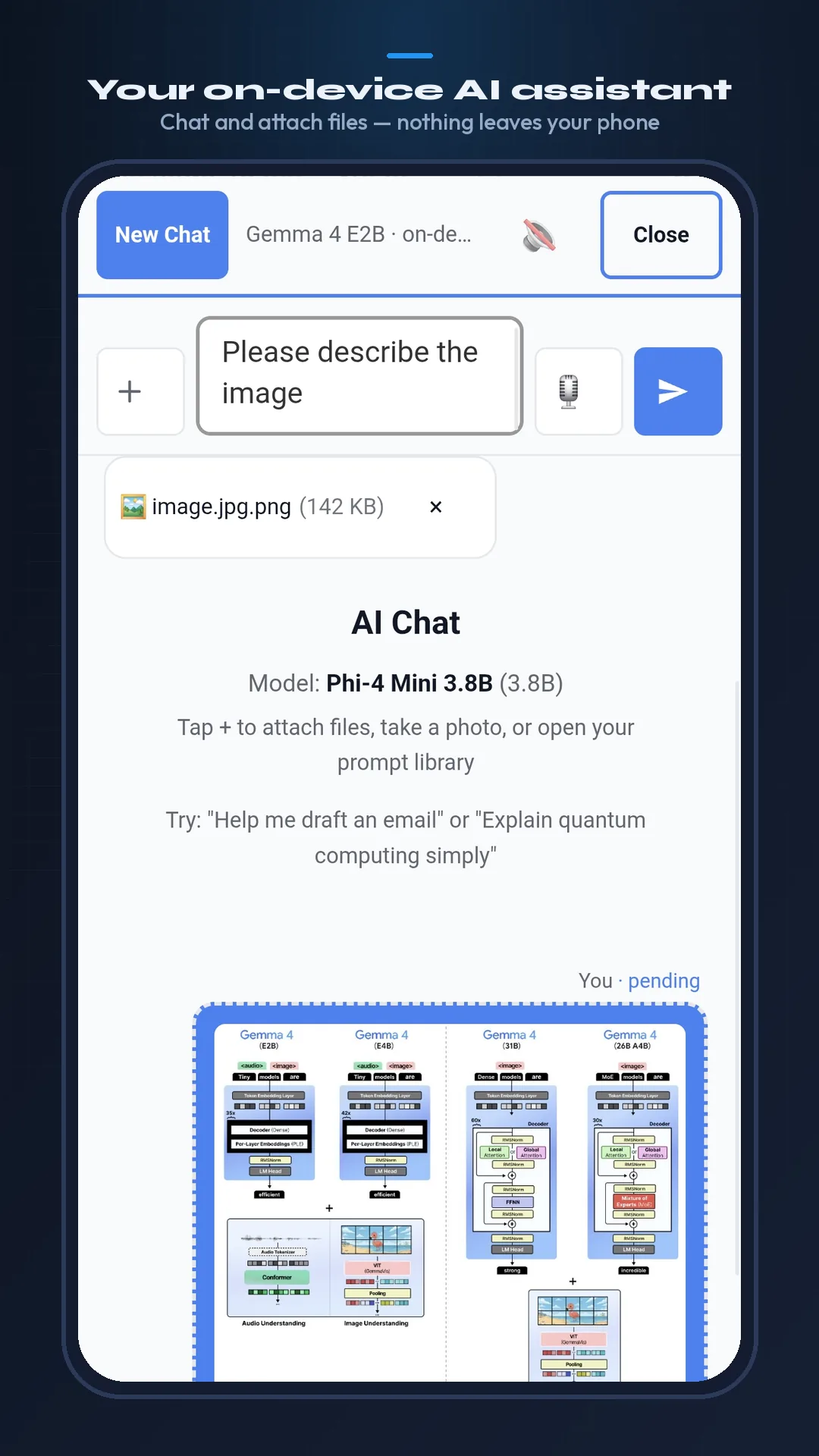
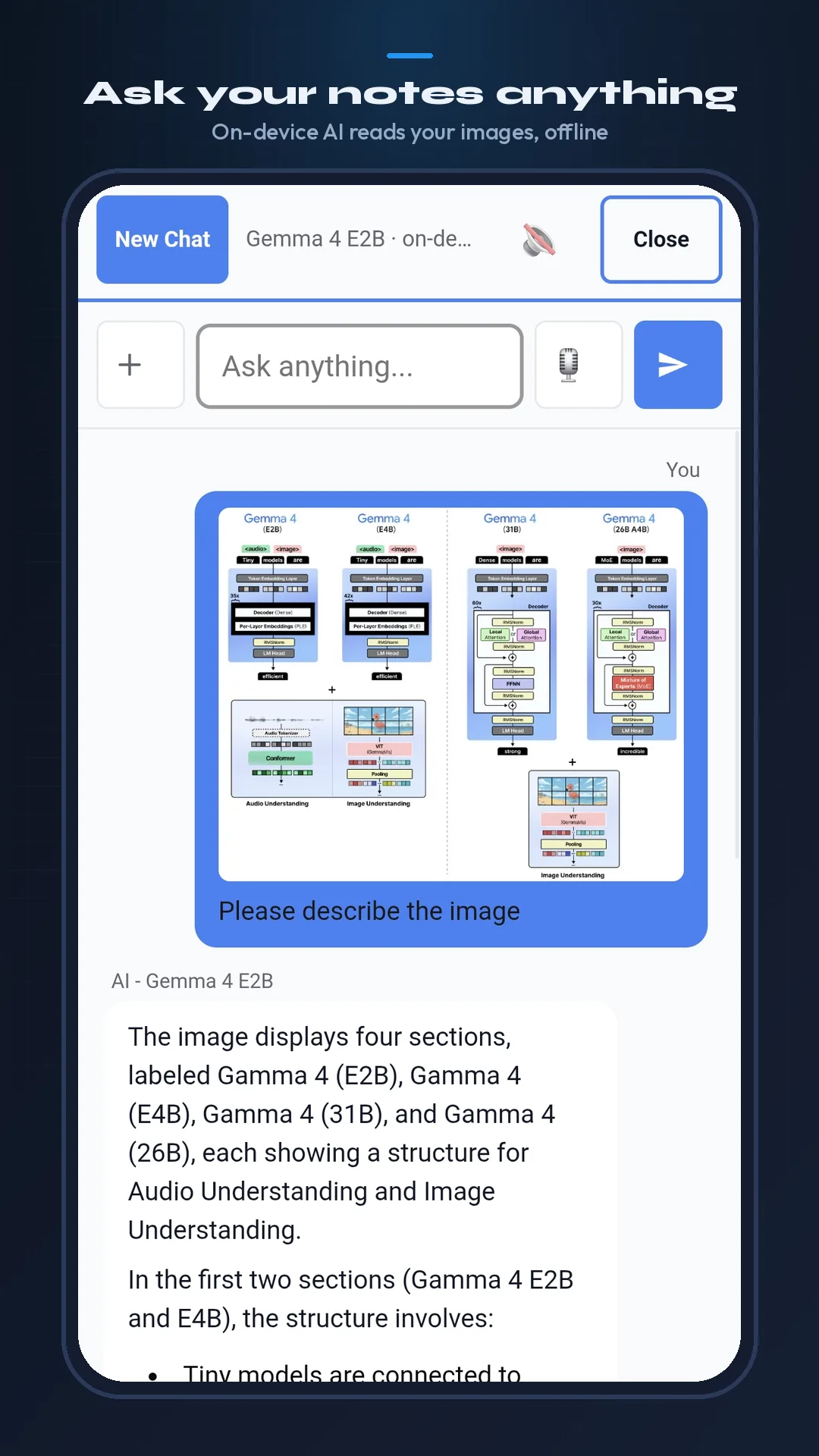
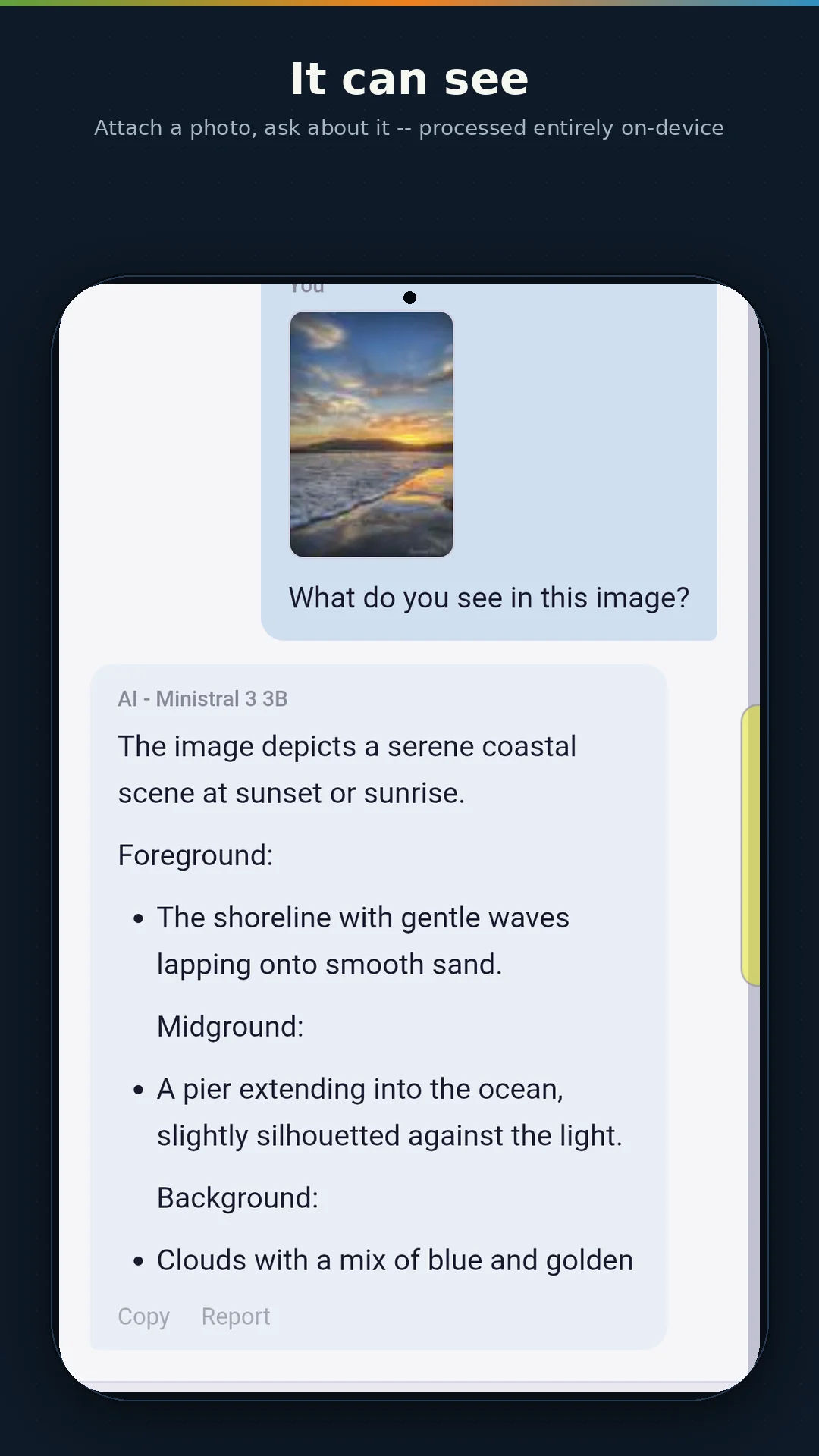
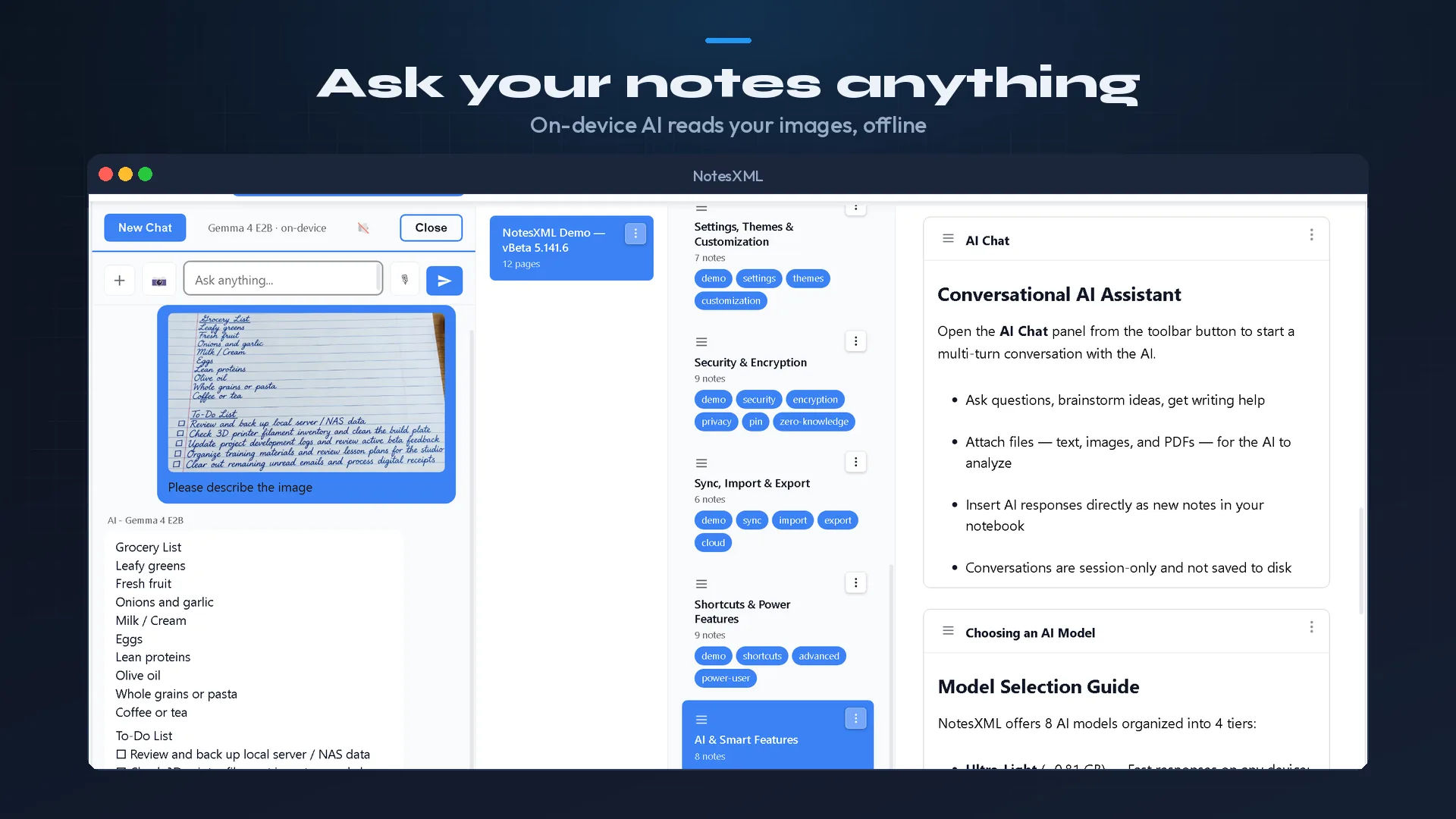
Attach PDFs, images, and documents to AI conversations. Ask questions about your files. The AI reads them locally — nothing is uploaded anywhere.
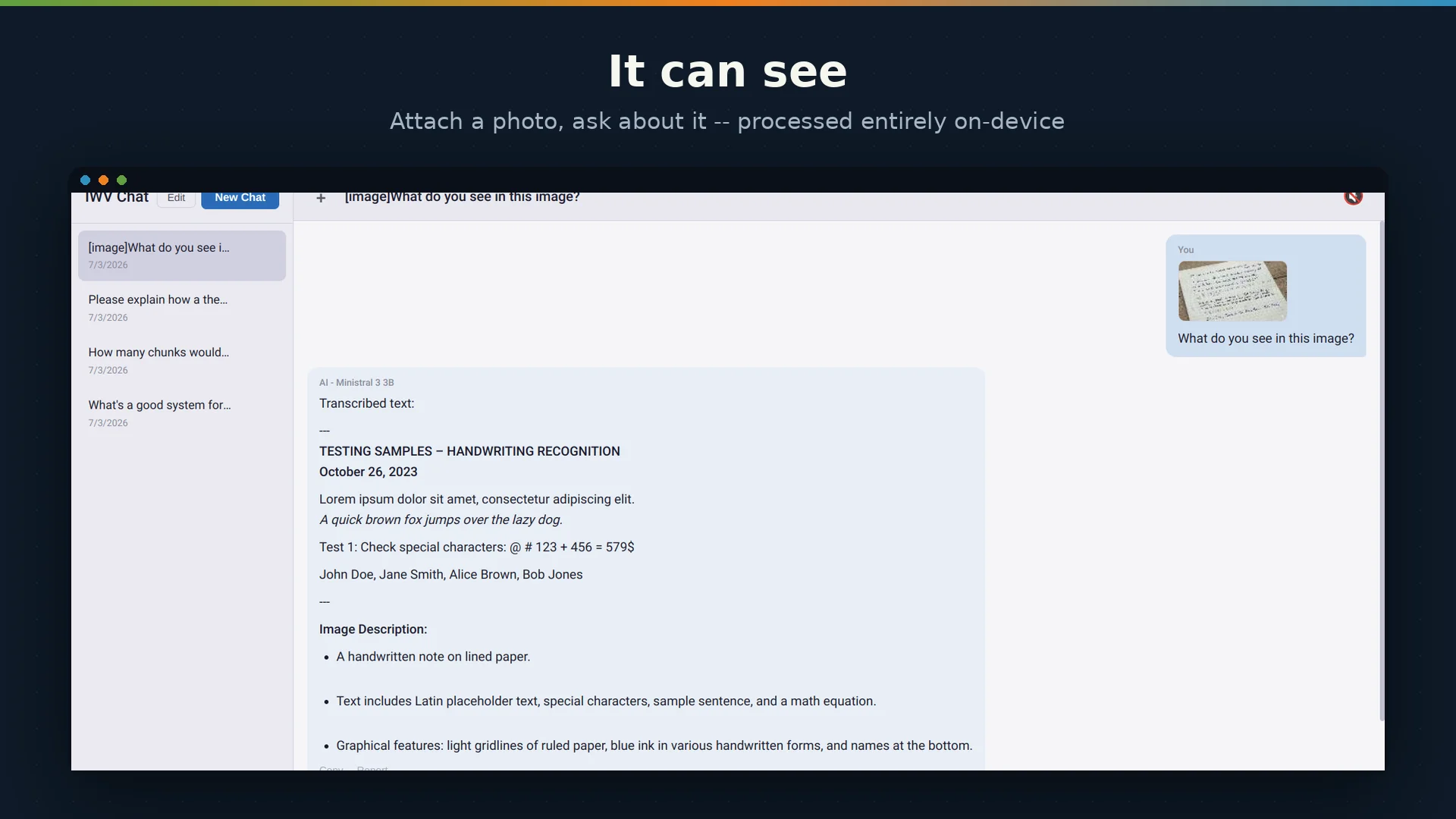
Point the AI at handwritten notes, screenshots, or scanned documents. Get accurate text extraction using vision-capable models like Gemma 4 E4B.
The benchmark system tests your device and recommends the best model for your hardware — from a phone with 8 GB RAM to a workstation with a 16 GB GPU.
AI models run entirely on your device and produce results based on statistical patterns. Output quality varies by model and task. Always review AI-generated content before relying on it.
Same features, same file format, same experience across every platform.
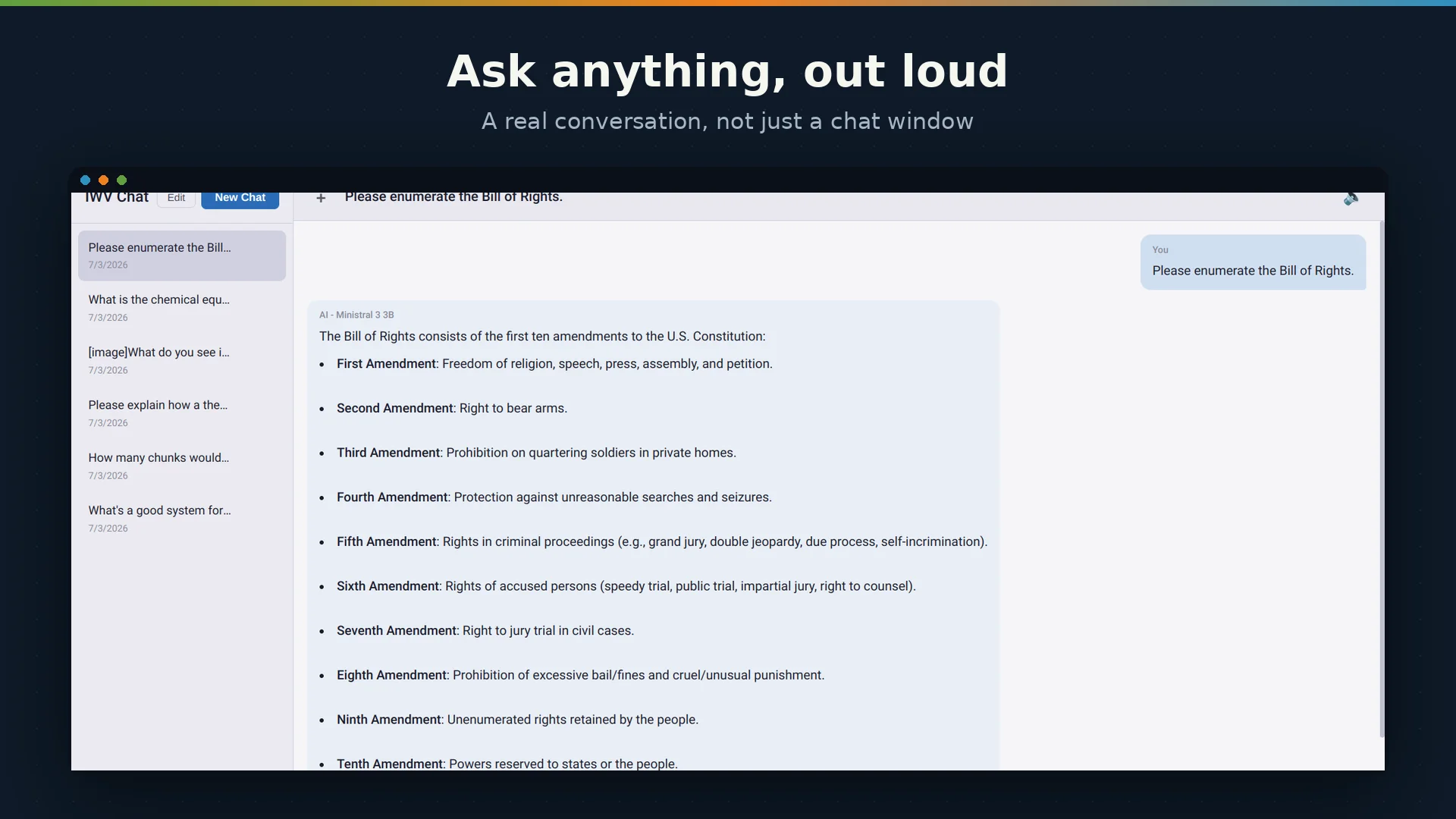
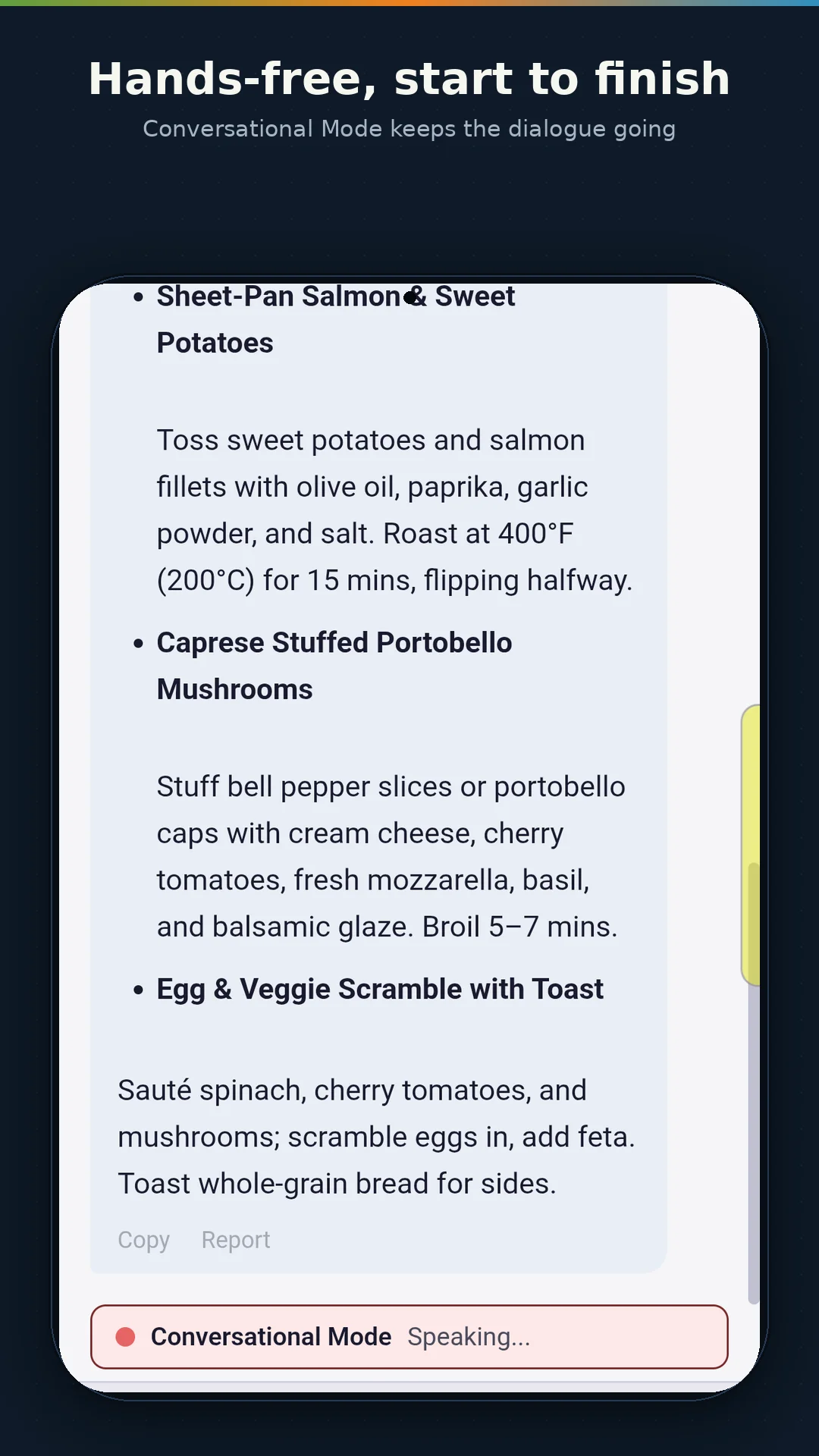
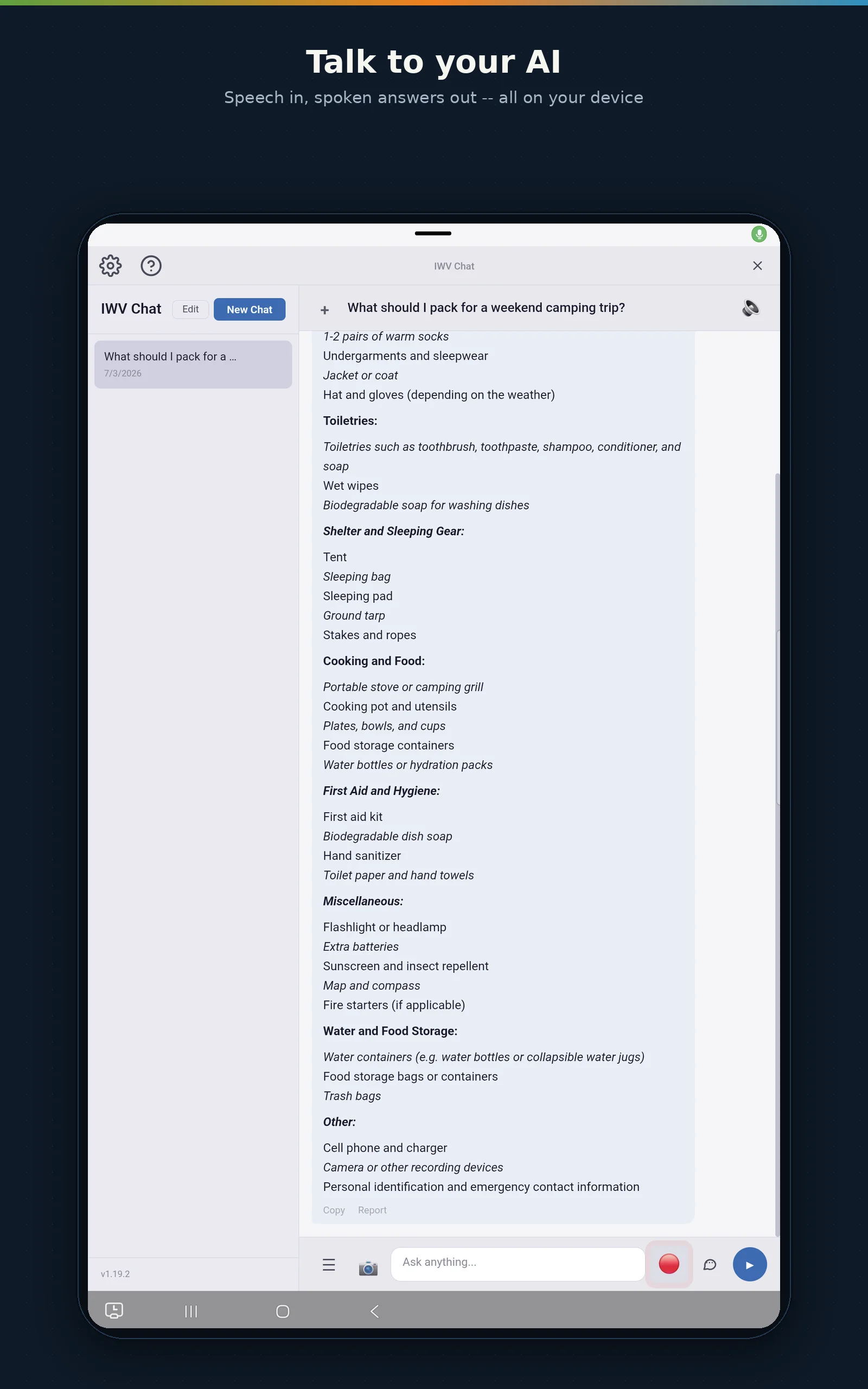
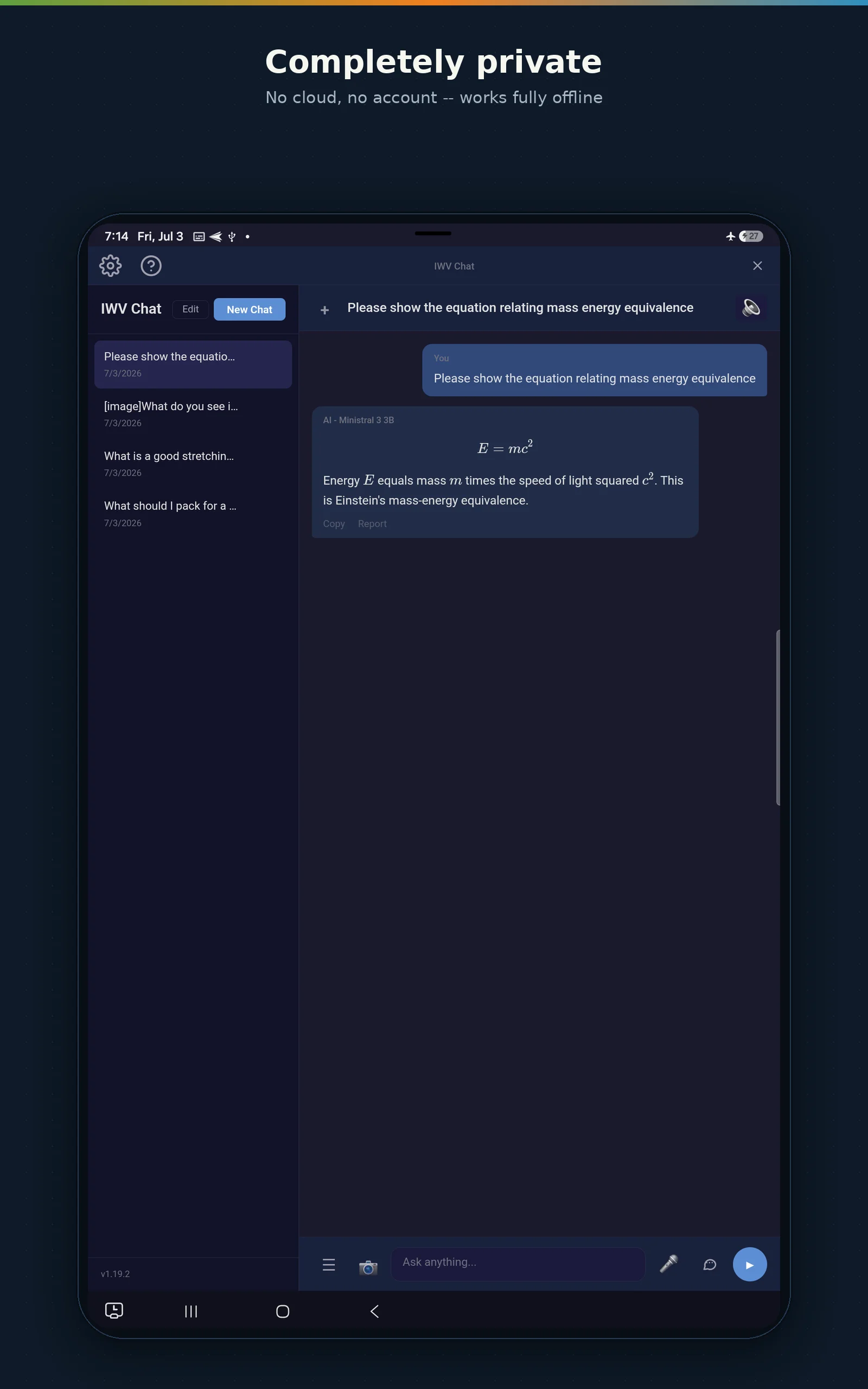
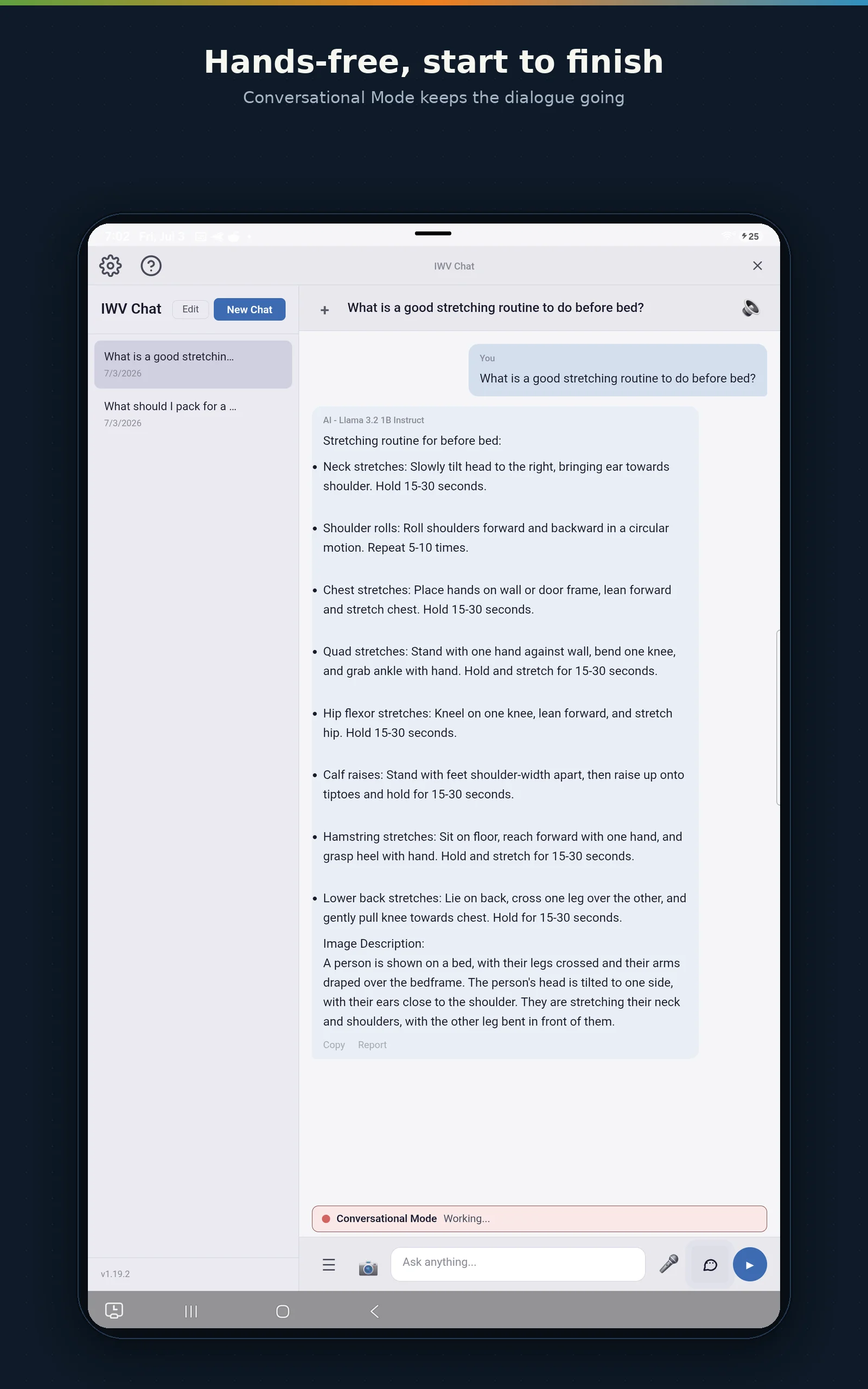
Our free, voice-first AI assistant — the same private engine, packaged as a standalone app.
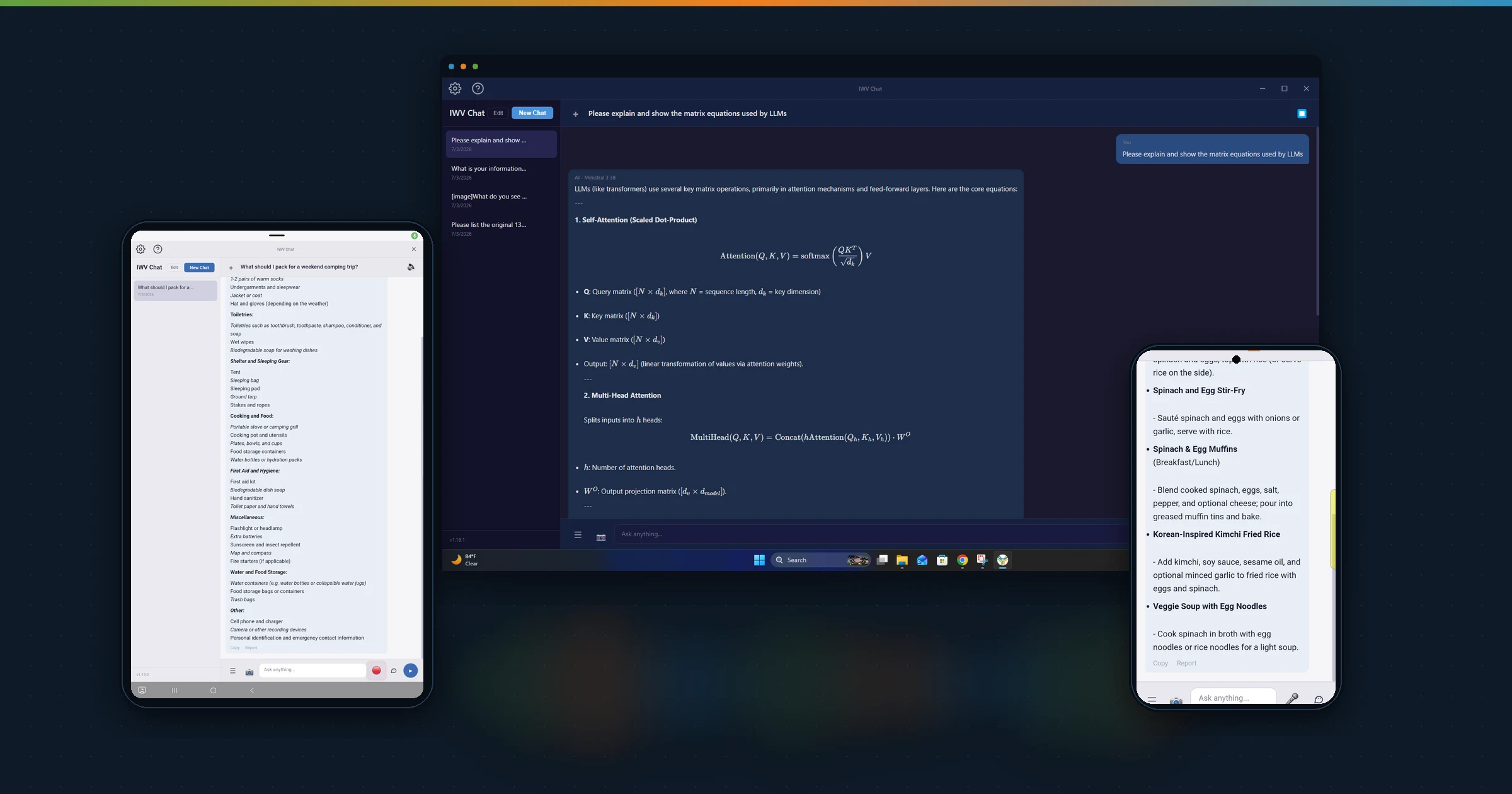
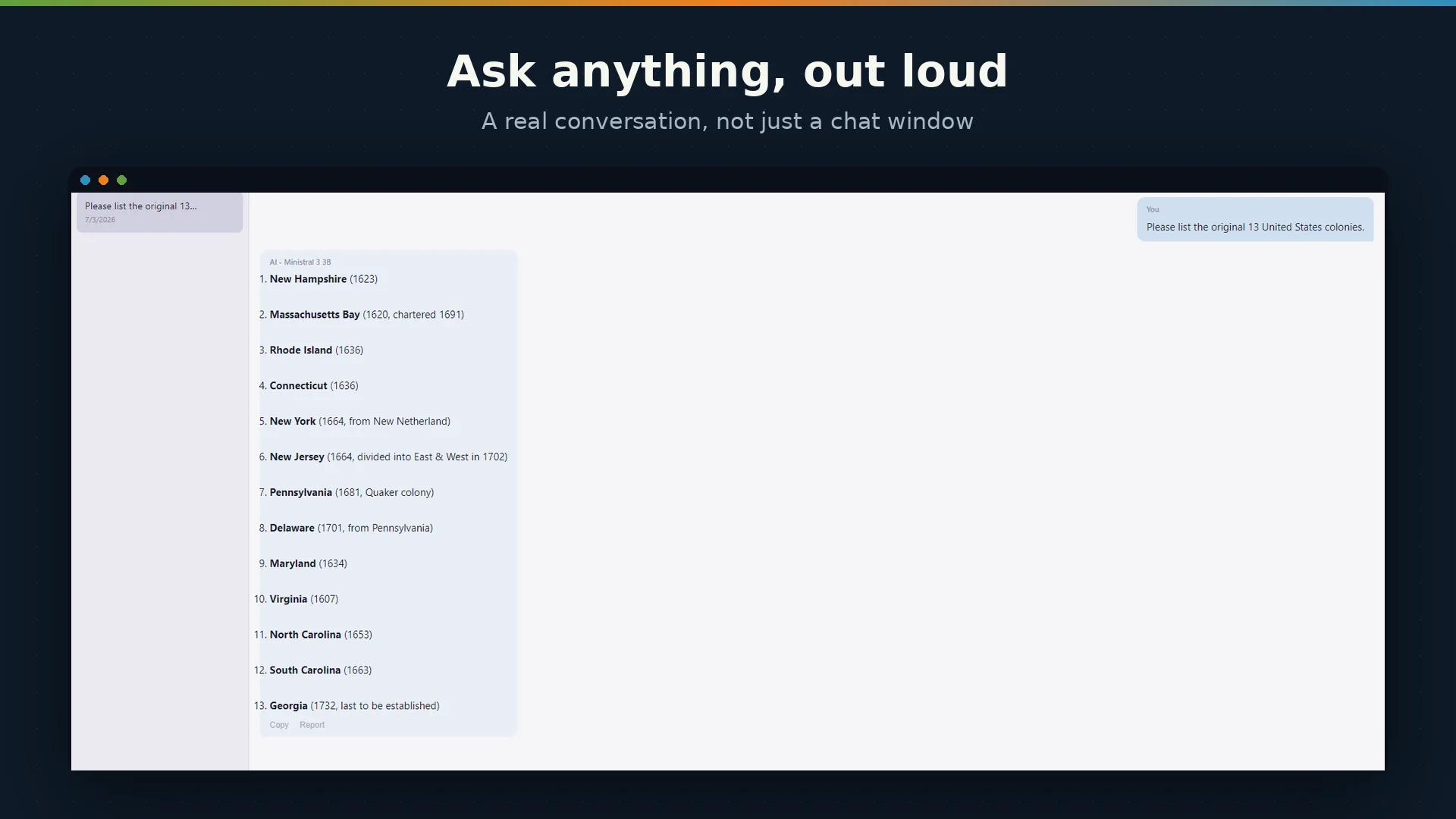
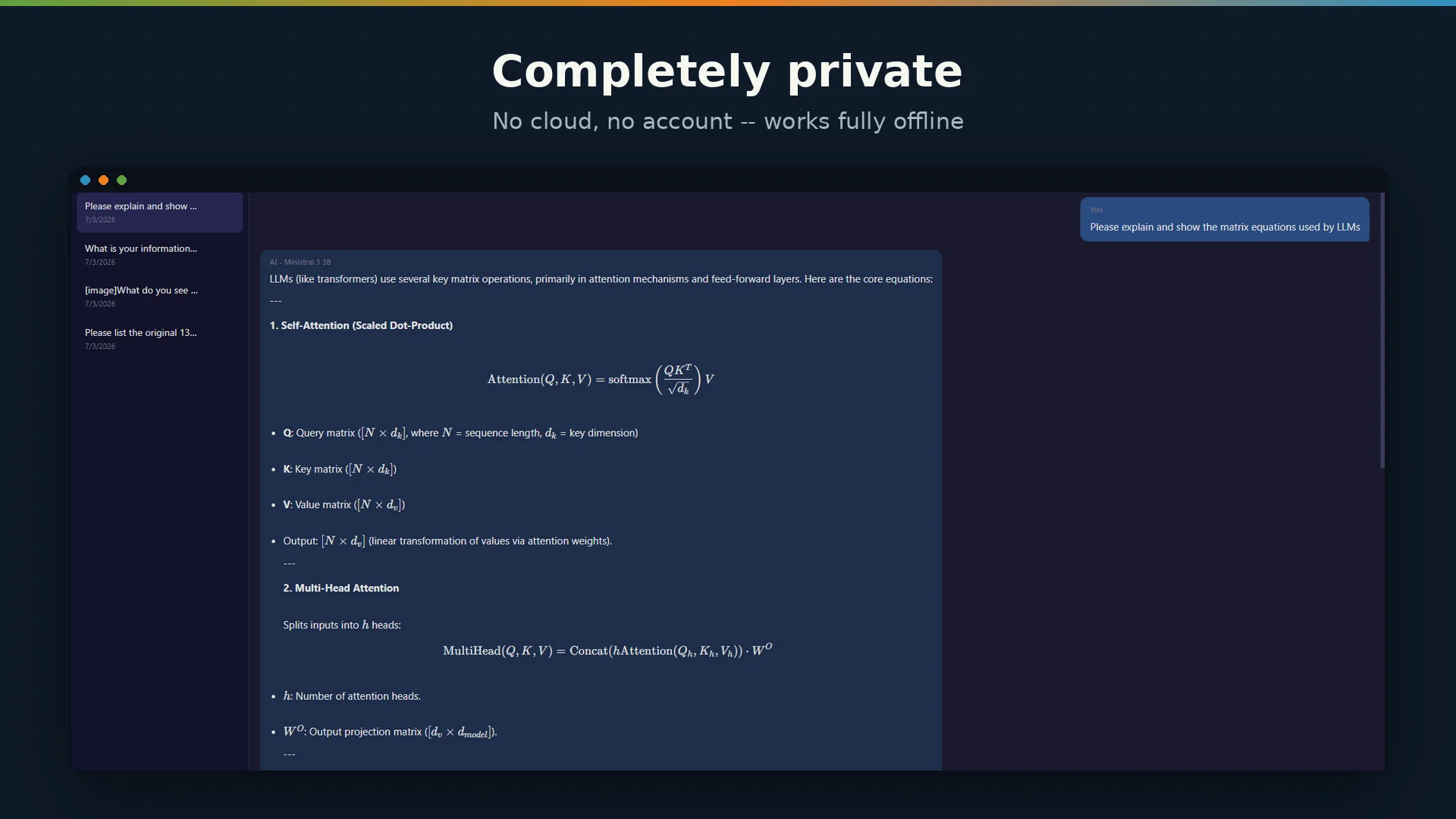
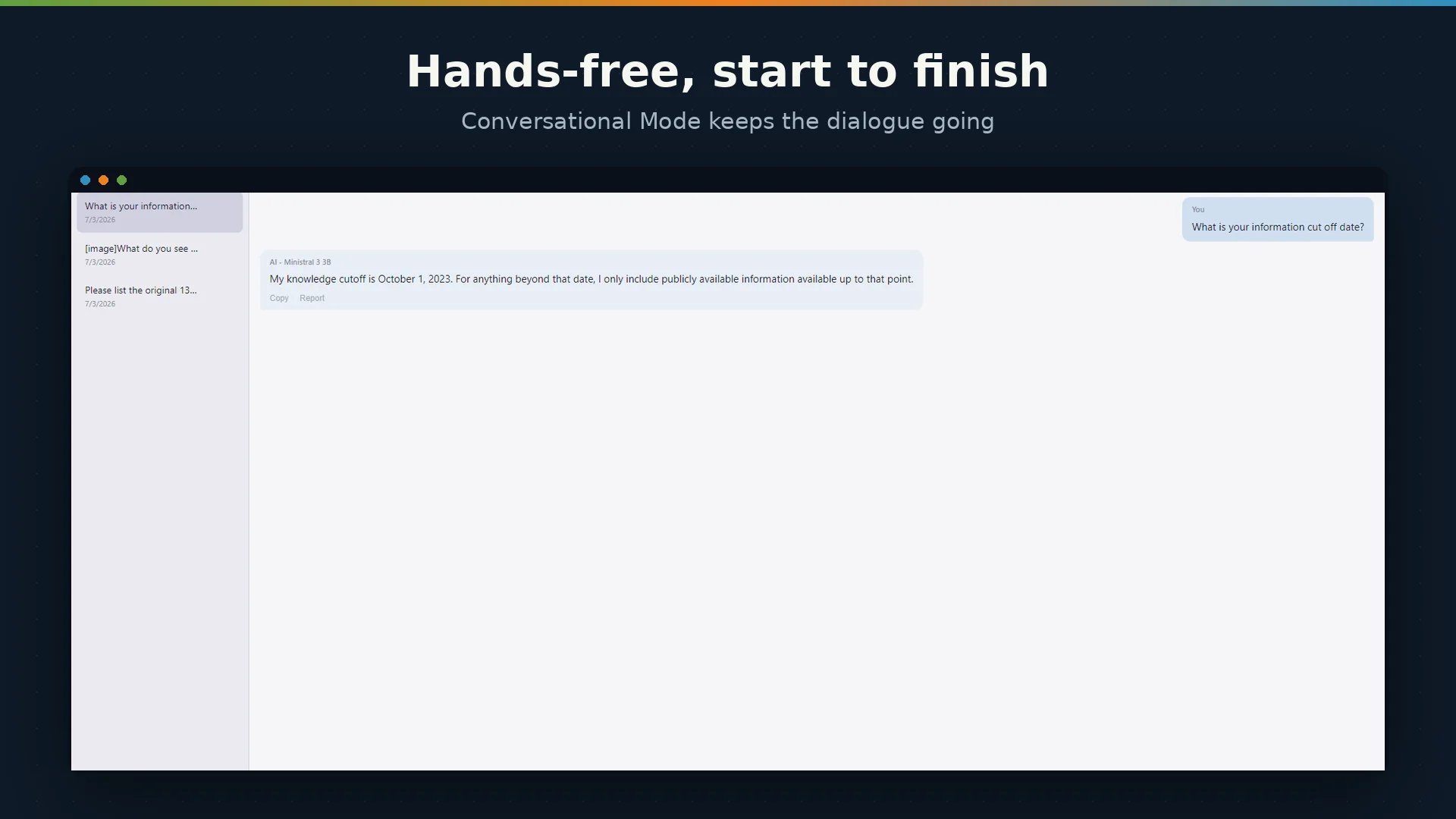
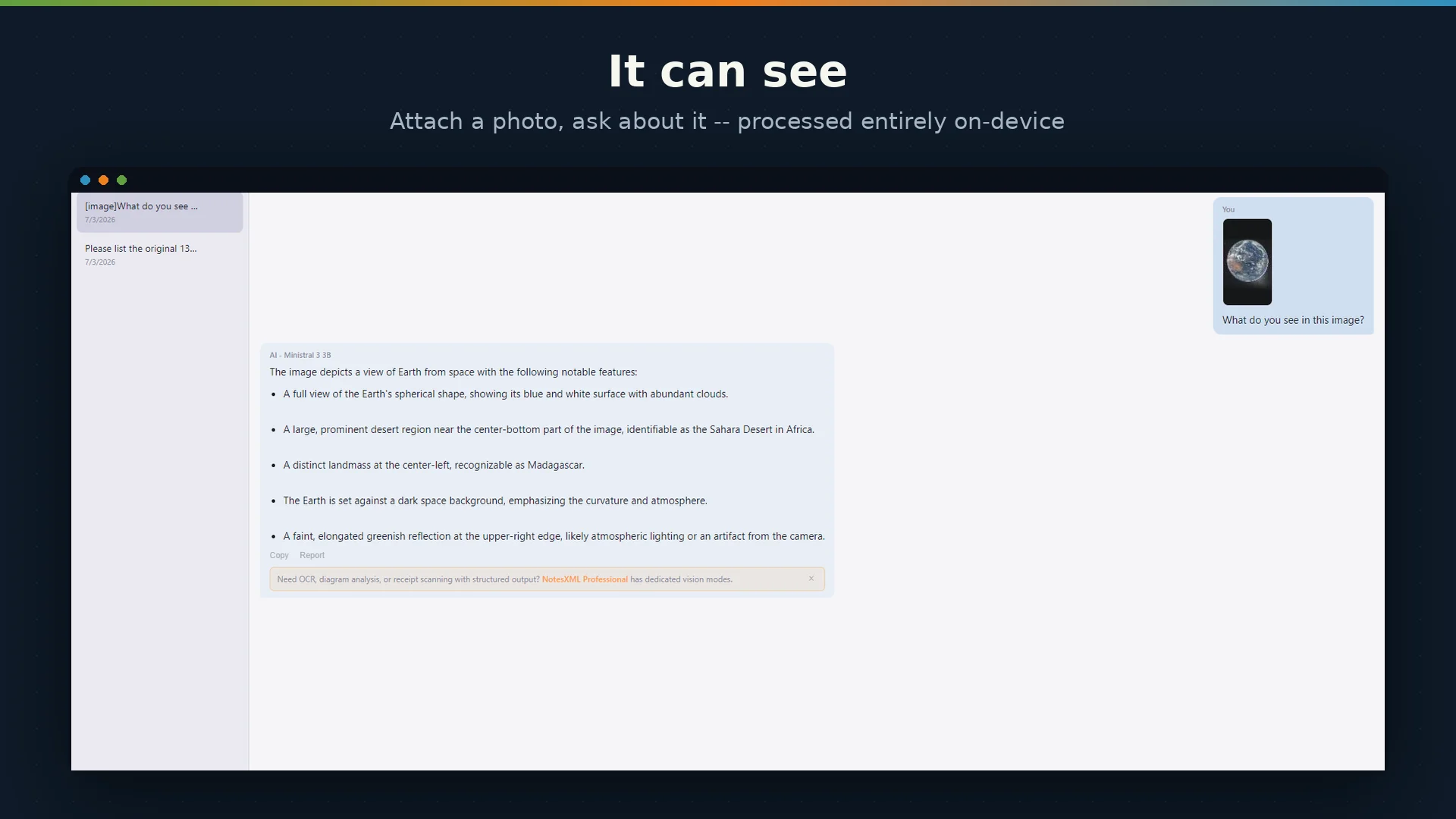
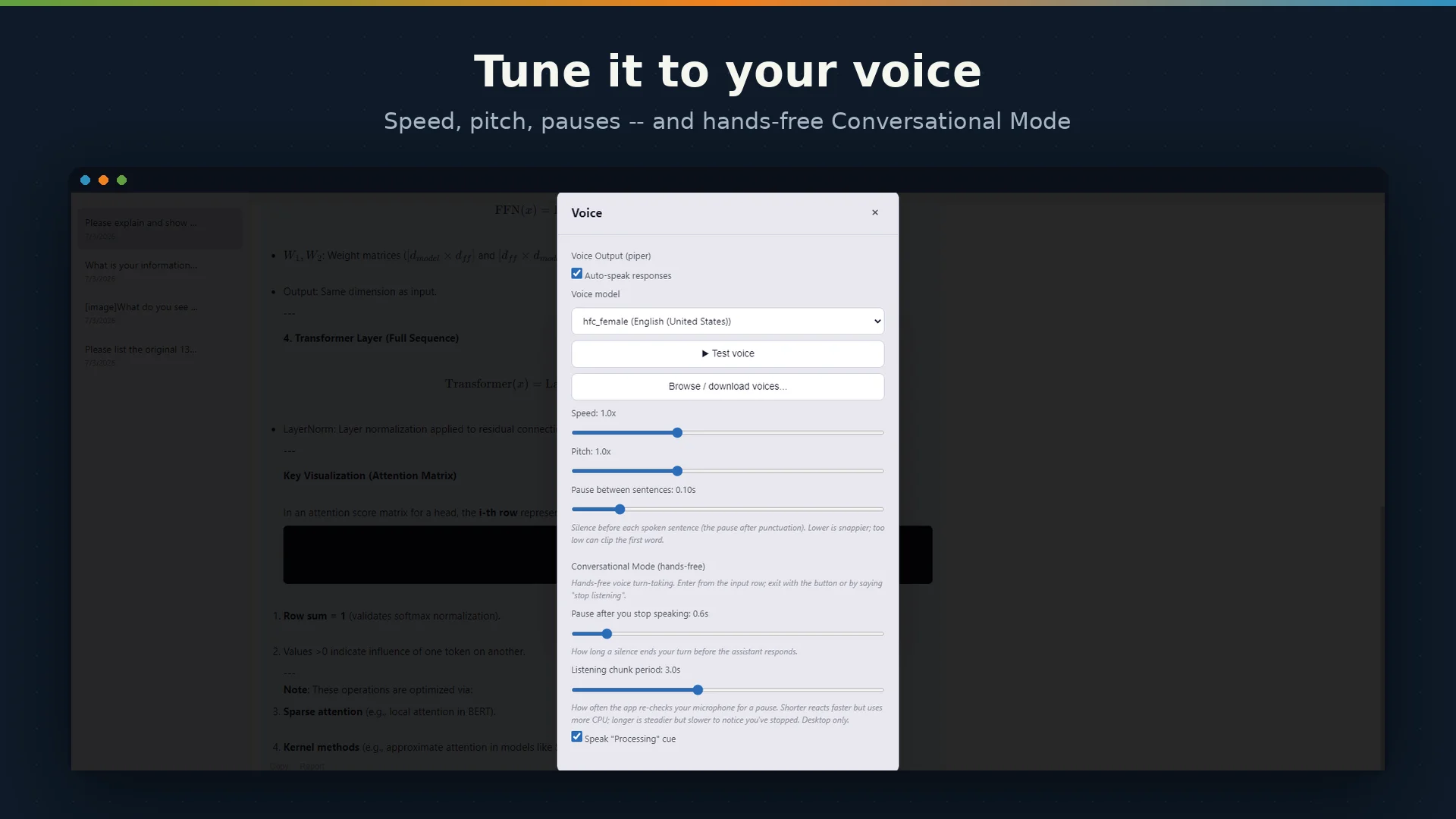
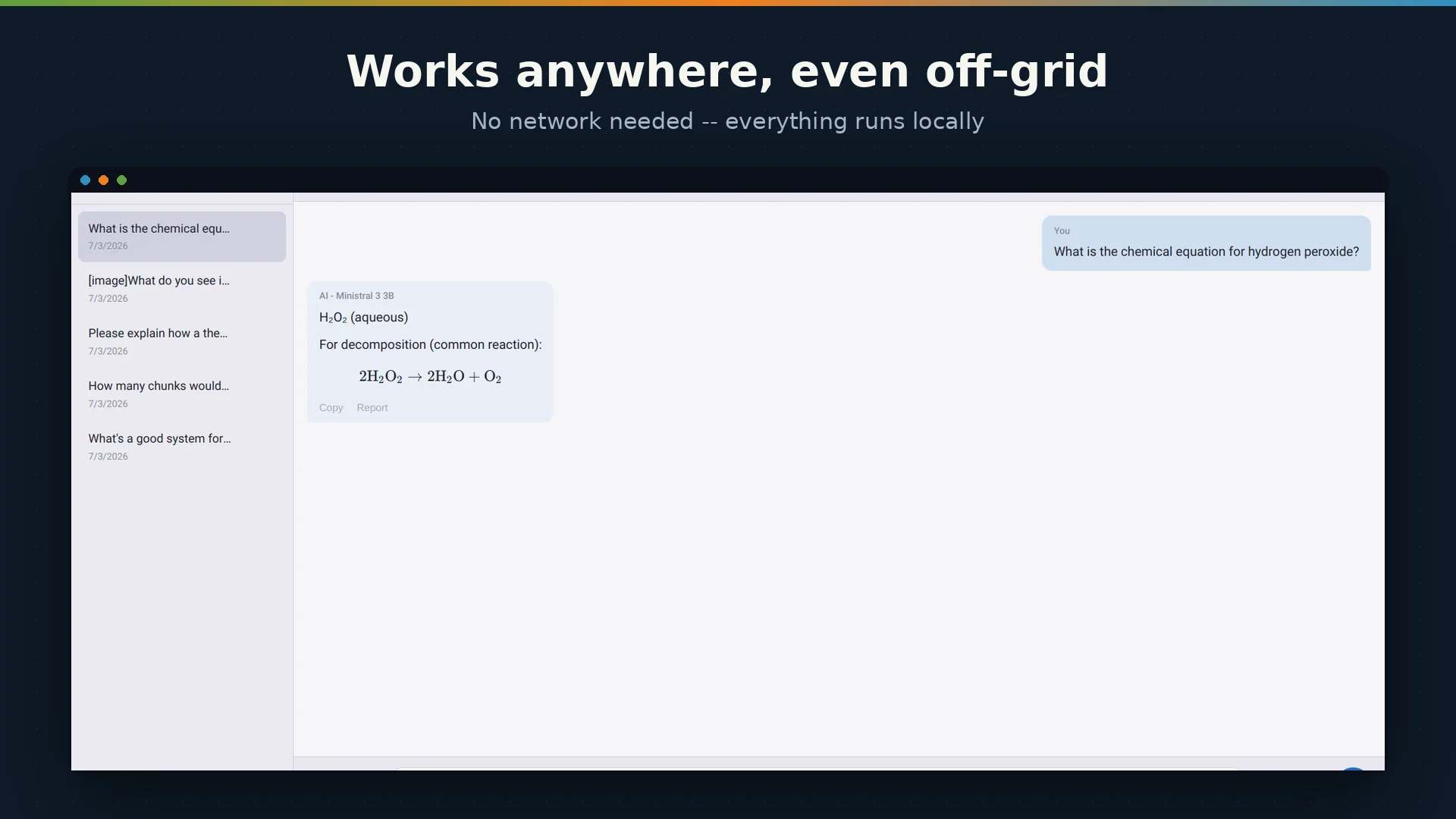
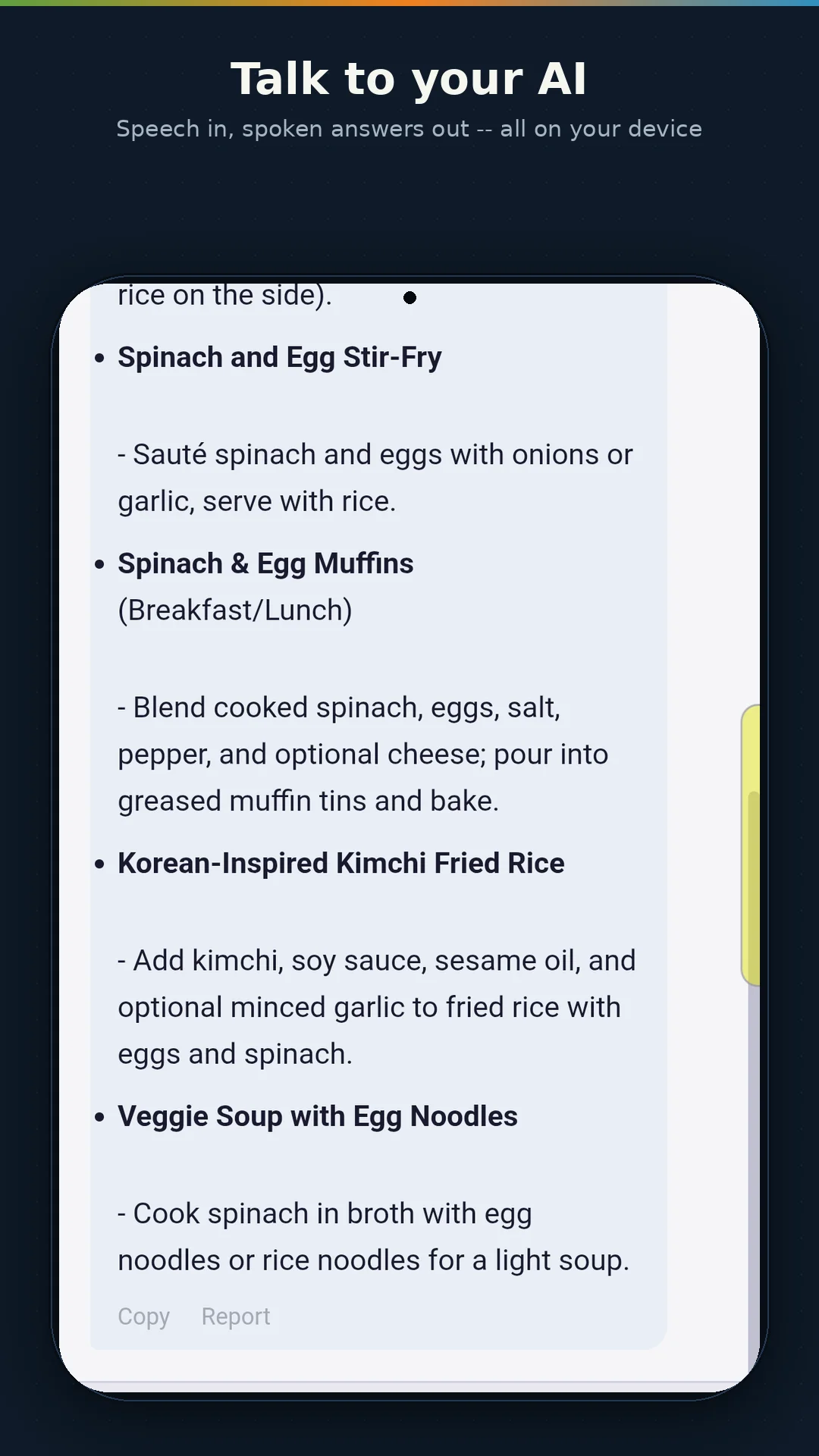
Both directions run entirely on your device. Nothing is uploaded, and both work with no network connection at all.
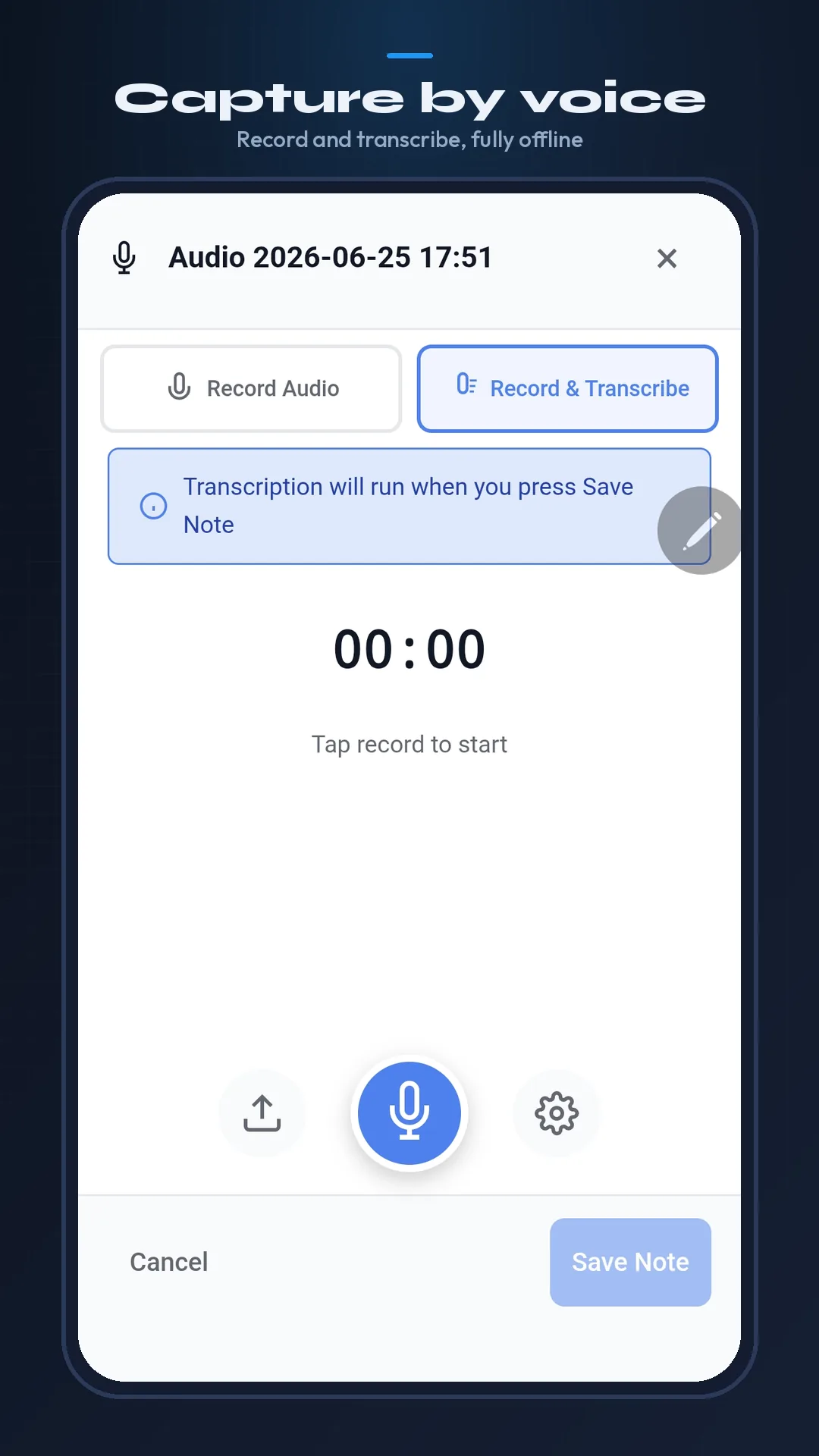
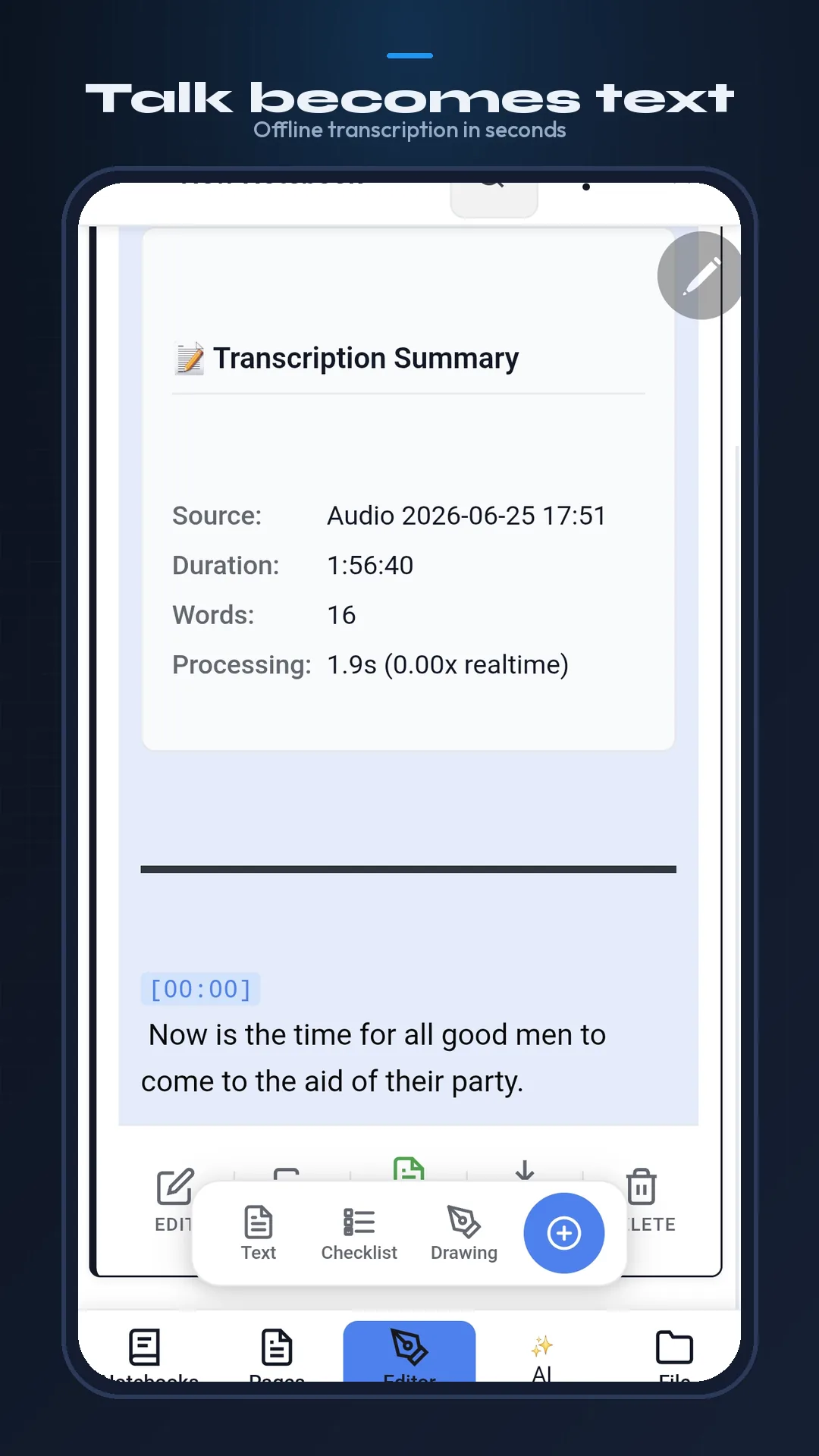
Speak into any note using local Whisper speech recognition, with punctuation and paragraph breaks added automatically. Audio notes can be transcribed the same way.
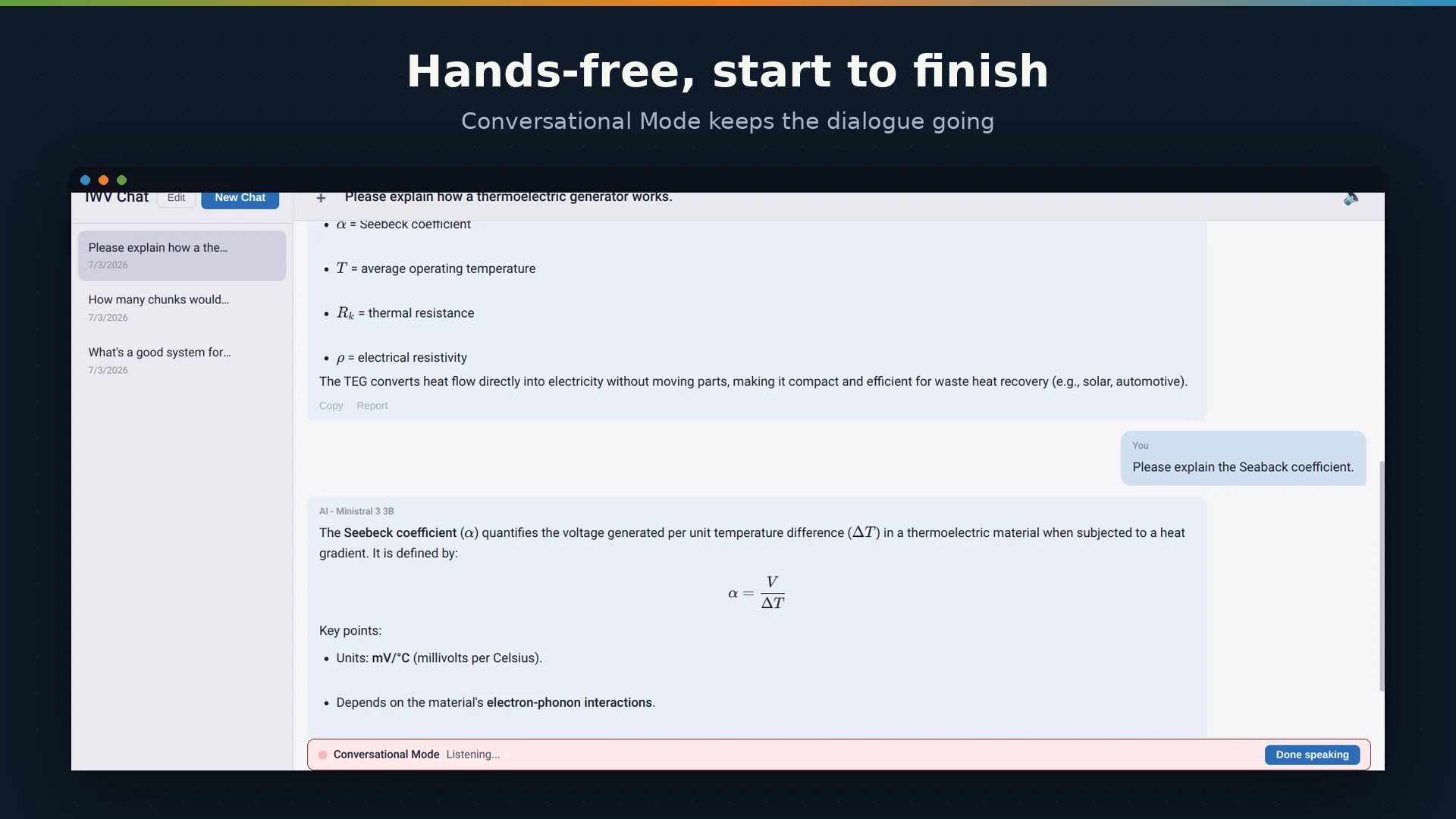
Have a note, a page, a whole notebook, or just the text you have selected read back to you — using the bundled Piper voices on Windows and Linux, and your device’s own voice on Android.
Read Aloud pauses at the end of a paragraph, heading, list item or table row, not only at a full stop. Numbered lists are read with their numbers and checklist items are announced as done or not done, so a list sounds like a list. One slider in Voice & Speech sets the pace.
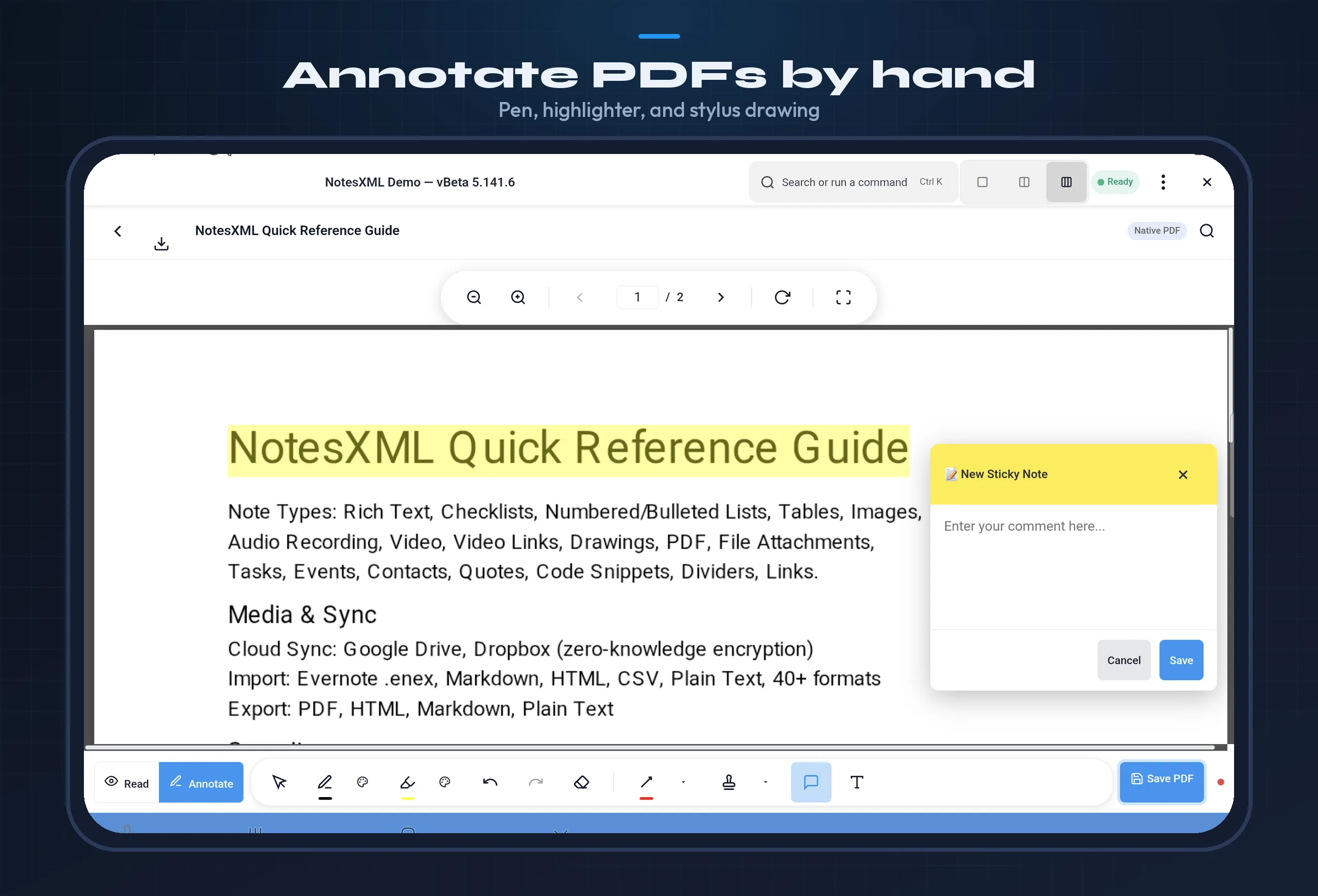
ISO 32000-compliant annotations that round-trip with Adobe Acrobat, Bluebeam, and Foxit Reader.
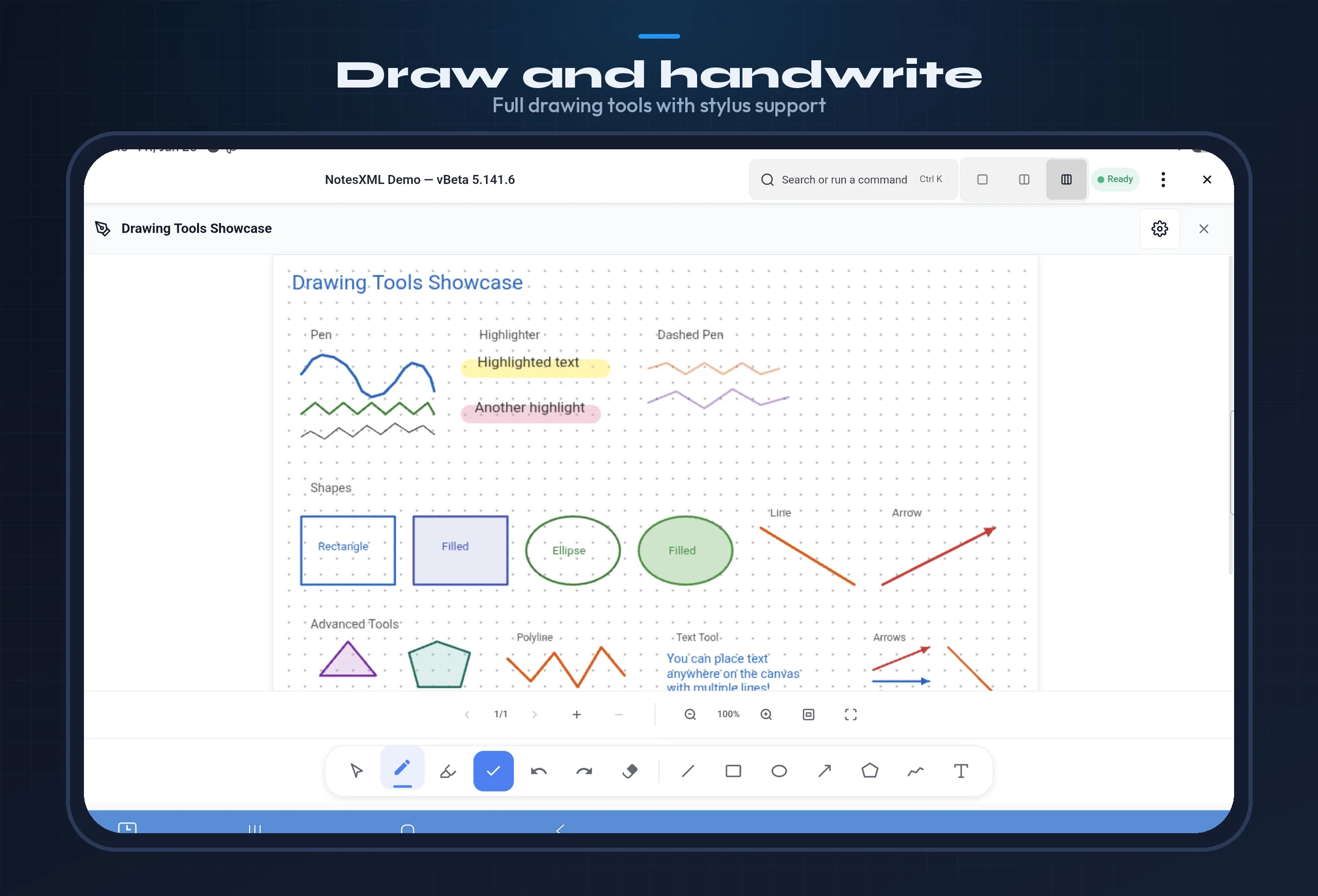
Freehand ink with configurable color, opacity, and stroke width. Highlighter blends with underlying text.
Add comments anywhere on the page. Visible in any PDF reader that supports annotations.
Rectangle, circle, line, arrow, polygon, and polyline shapes for markup and callouts.
Underline and strikethrough selected PDF text. Exported as standard annotations, visible in Adobe Acrobat and other readers.
Google Play and direct APK. WebView-based with native Kotlin bridges for AI, audio, and file operations.
Microsoft Store and direct installer. Electron-based with full llama.cpp integration for desktop-class AI.
AppImage — download, make executable, run. No installation required. Same features as Windows.